01
Guest
Scan the correct location and order naturally.
The guest sees the venue menu, makes required choices, adds notes, assigns items and chooses whether courses should arrive together or separately.
Guest ordering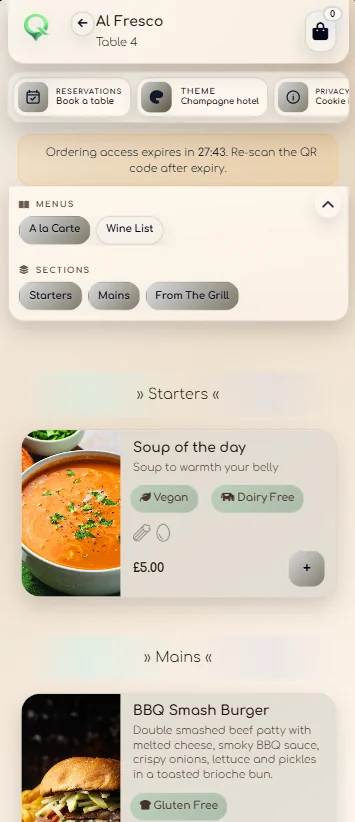
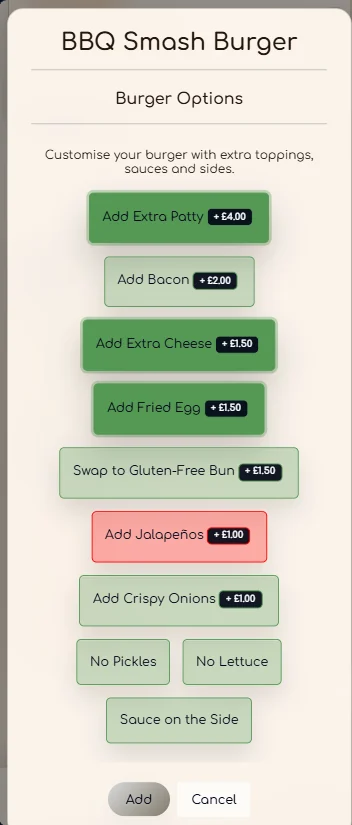
How QRelia works
The room or table, guest choices, names, courses, waiting time and service progress stay attached from the scan through to reporting.
Follow one order
Guest
The guest sees the venue menu, makes required choices, adds notes, assigns items and chooses whether courses should arrive together or separately.
Guest orderingFloor team
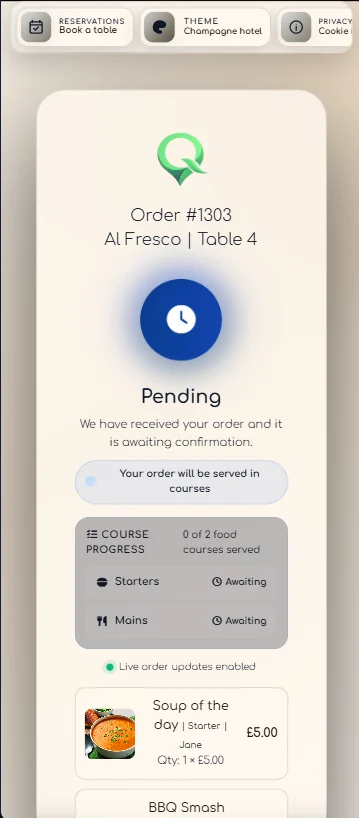
The Receiver presents the location, guest names, notes, modifiers and courses together. Staff can confirm, wait, process, serve and complete without guessing.
Receiver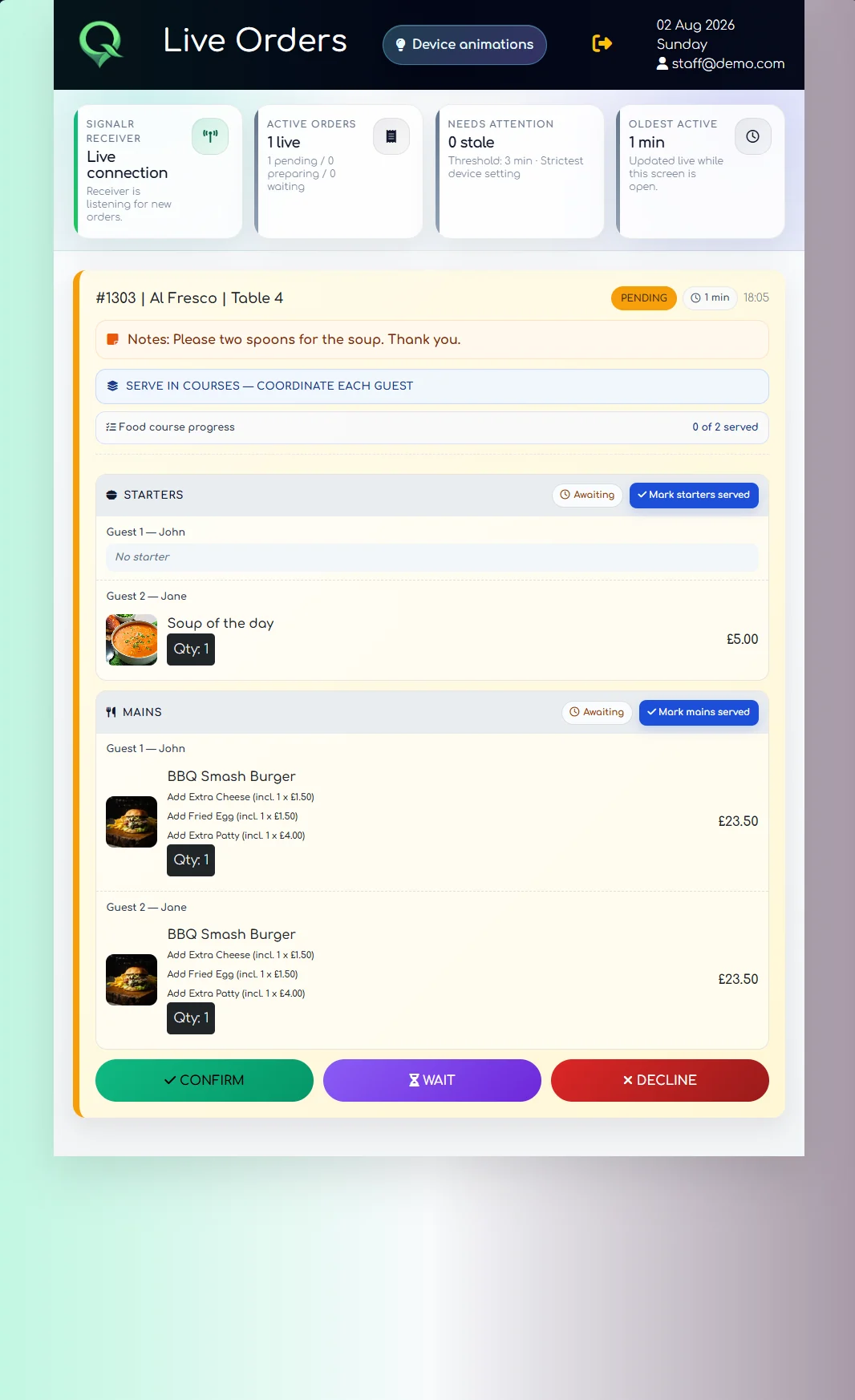
Management
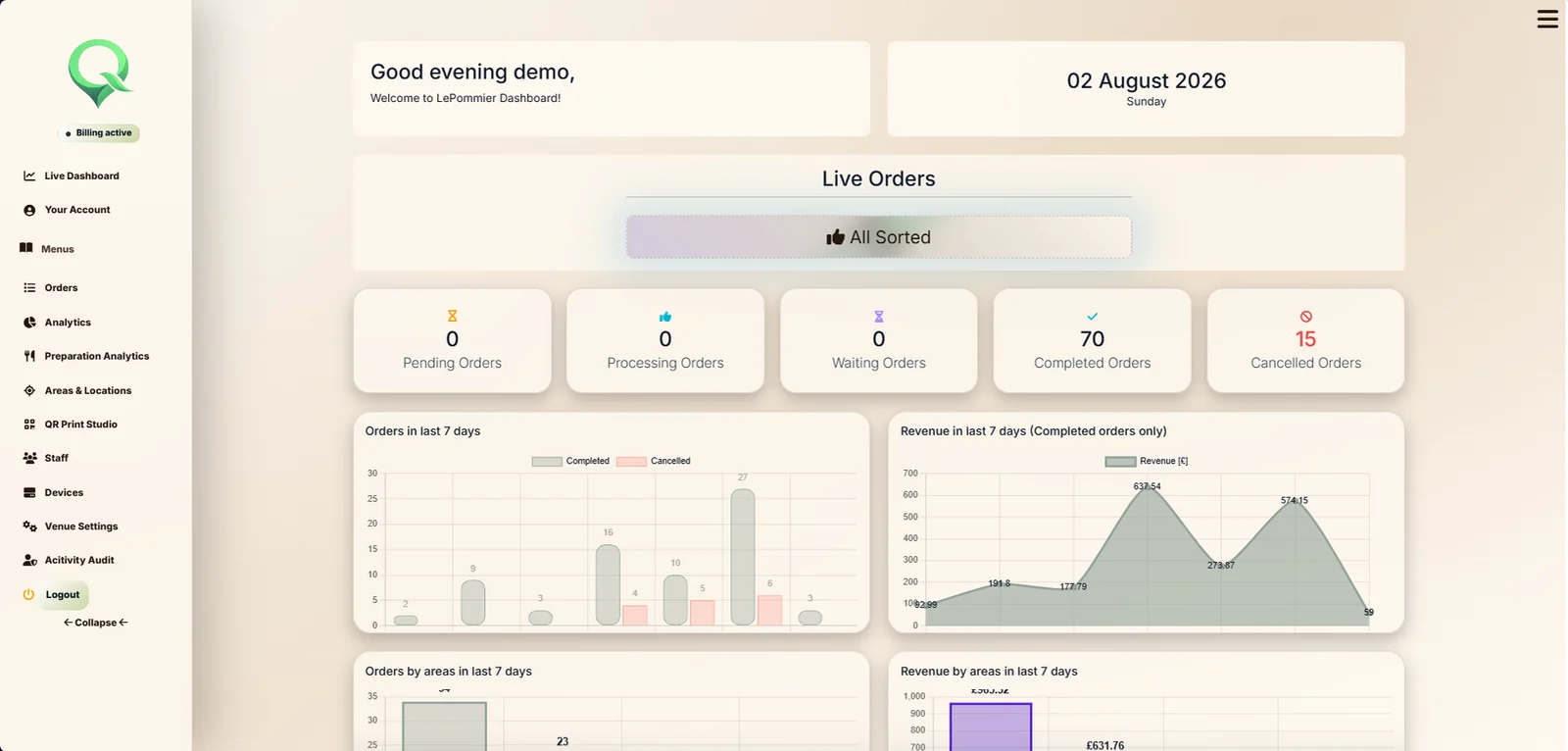
Orders, revenue, completion, preparation activity, areas and weather can be reviewed from the same venue account that set up the service.
Venue intelligence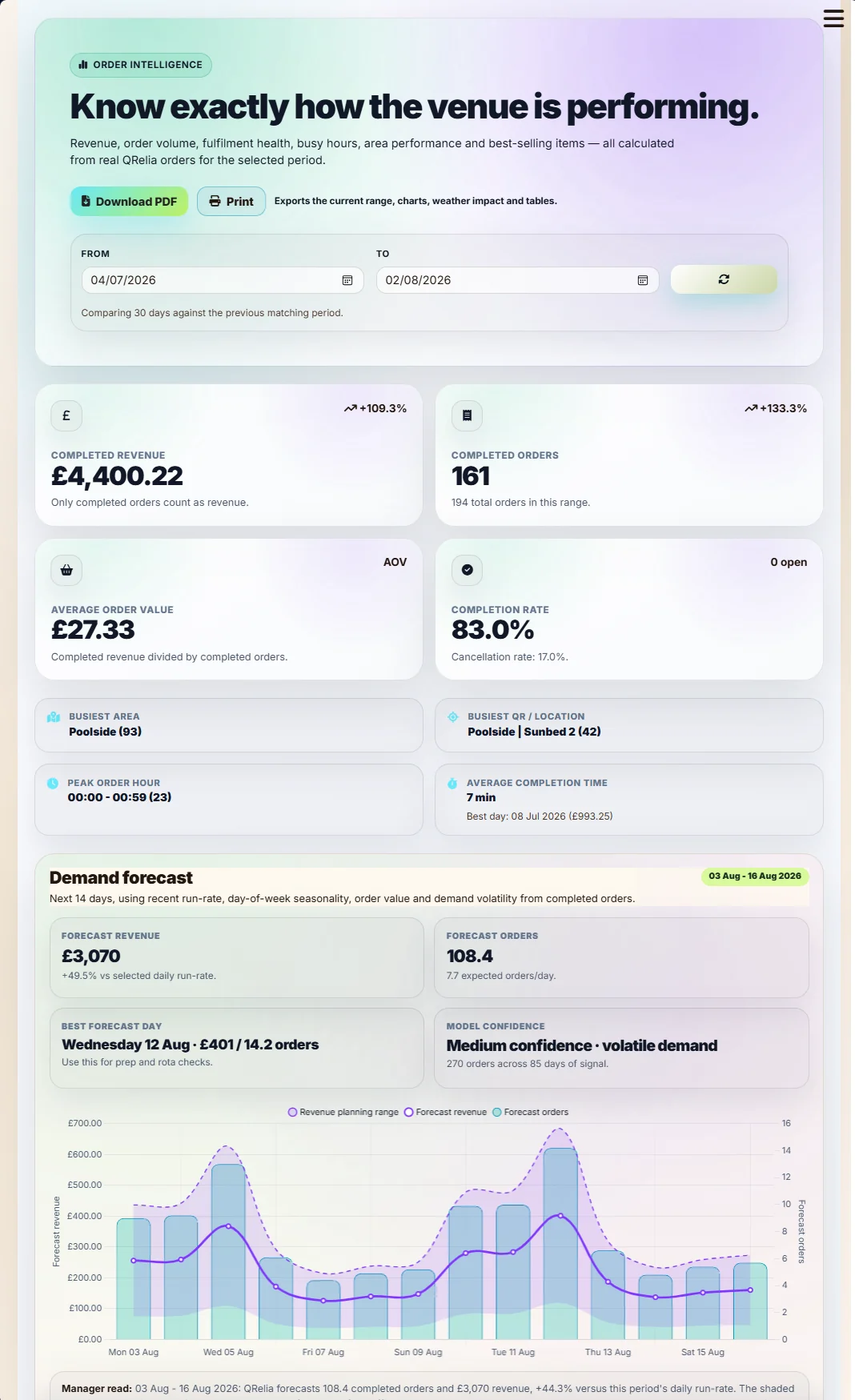
The room itself
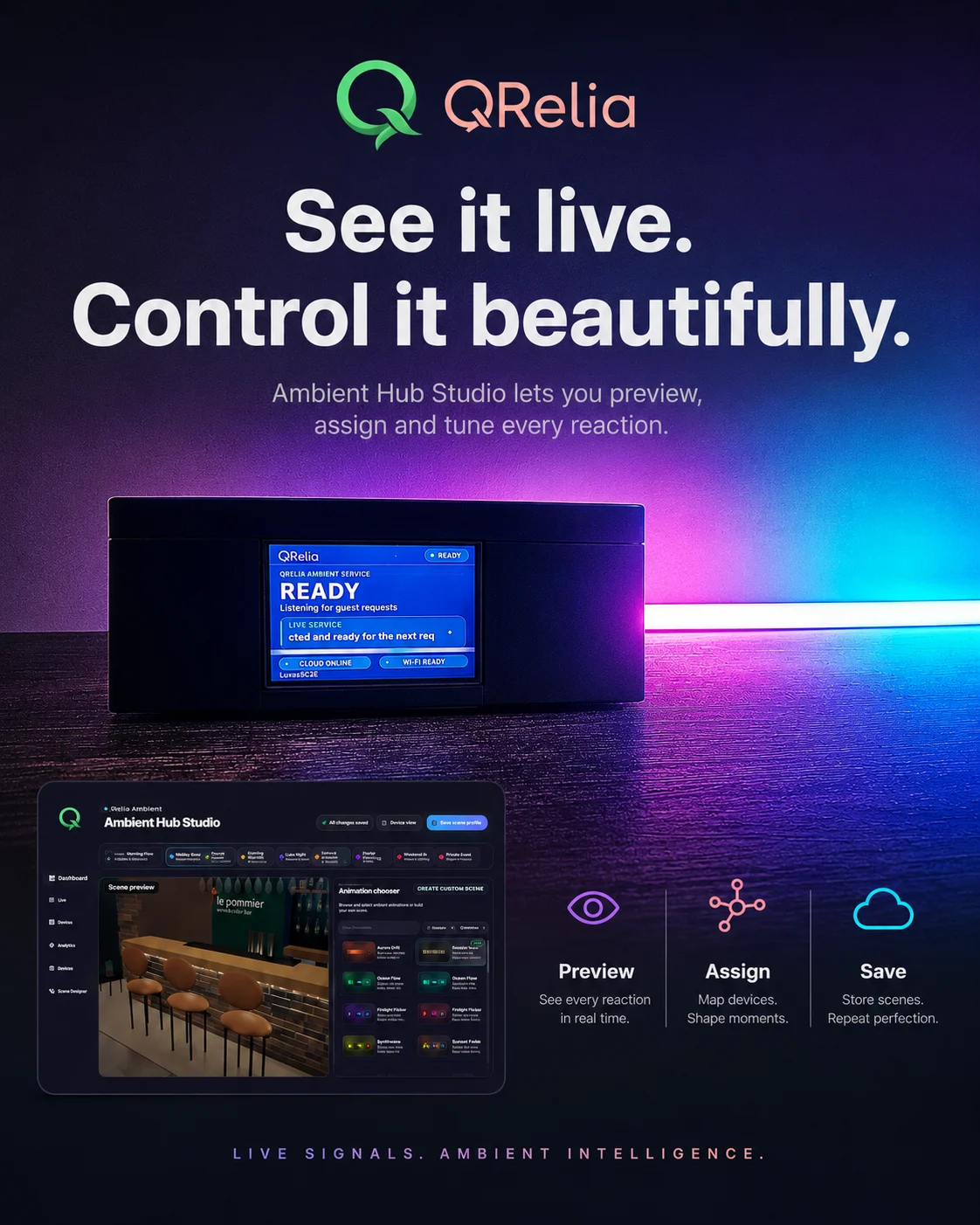
Premium venues can connect Ambient Devices and map service states to refined light and full-colour LCD information.
Ambient Device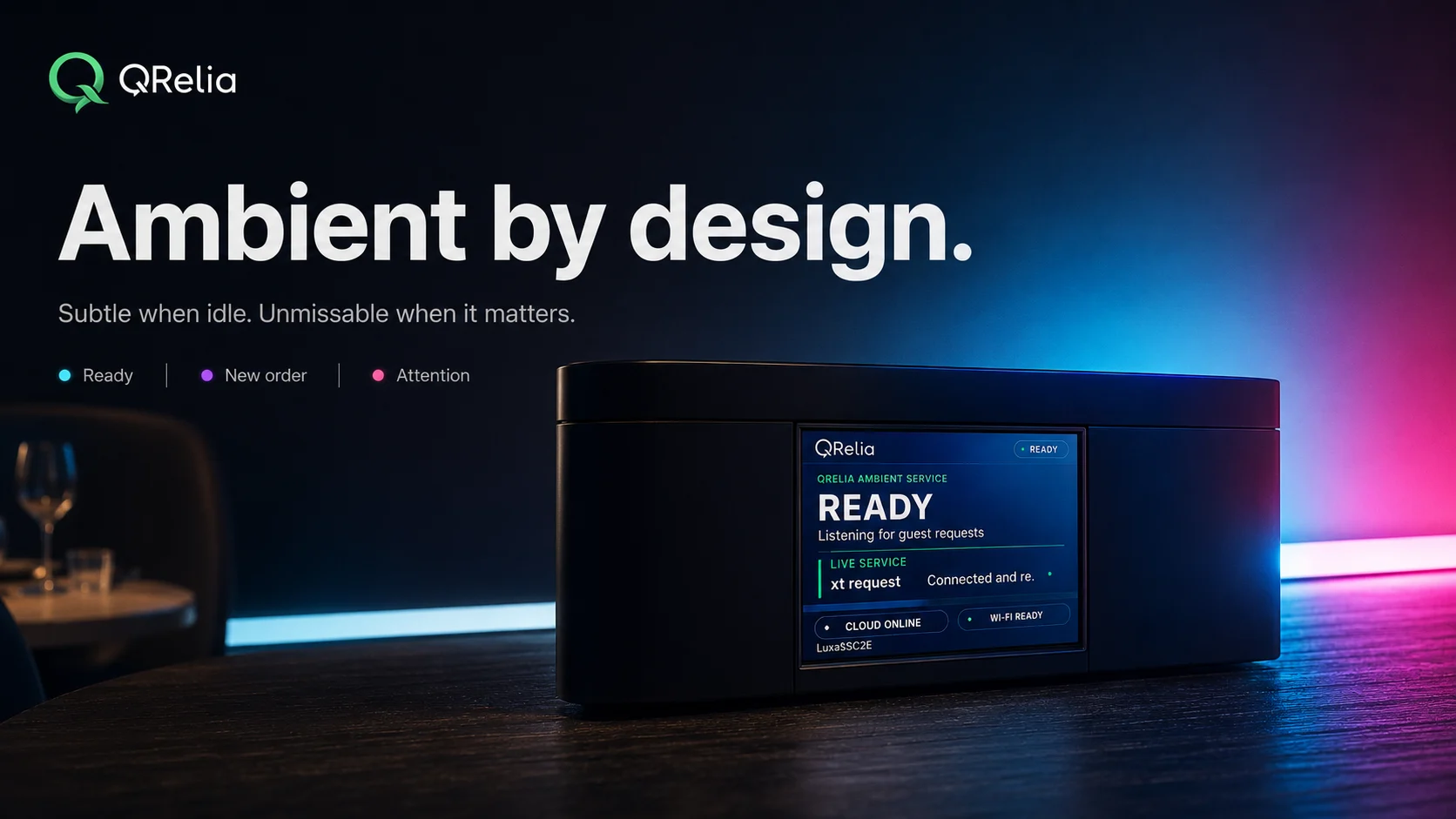
Set up around the property
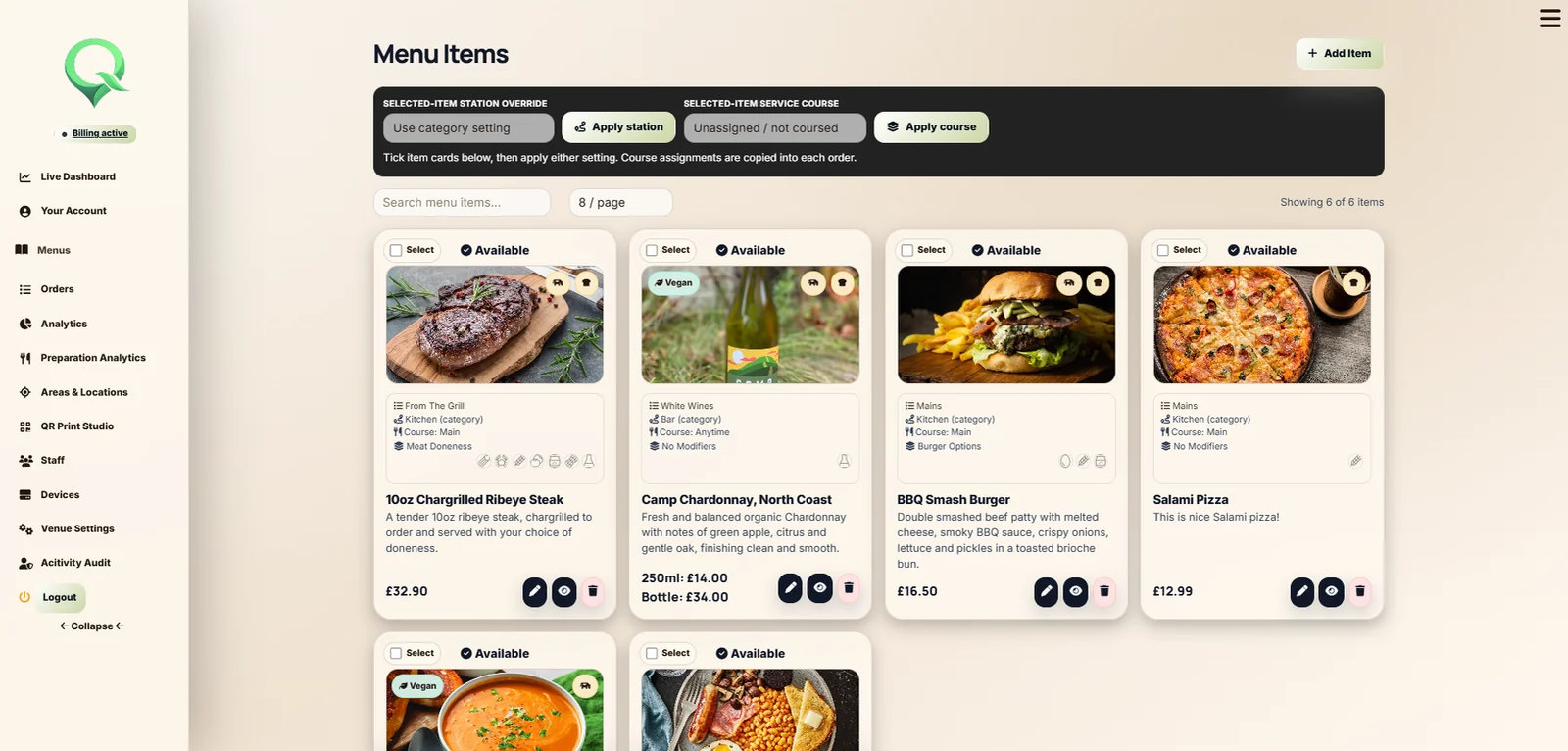
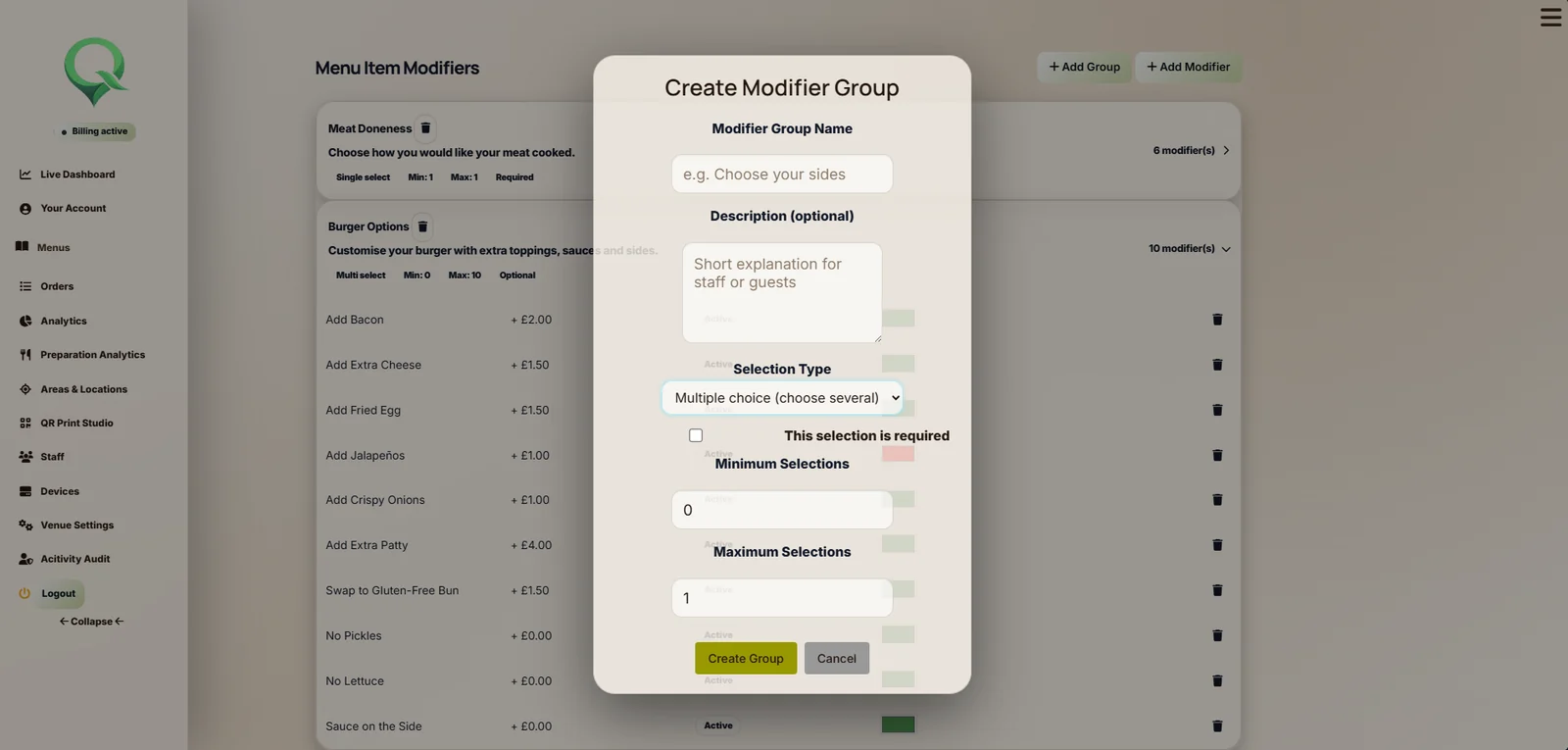
Create the physical service structure, decide where menus appear, set the times they are available and define the choices around every item.
The work around the order
Design and export location aware print material without rebuilding the venue structure elsewhere.
Use individual access, roles, two factor authentication and recorded administrative activity.
View the trial, plan, billing period and payment state from the venue account.
Pair hardware, see online status and decide how service states should appear.

Put your service into QRelia