01
Arrive in the right place
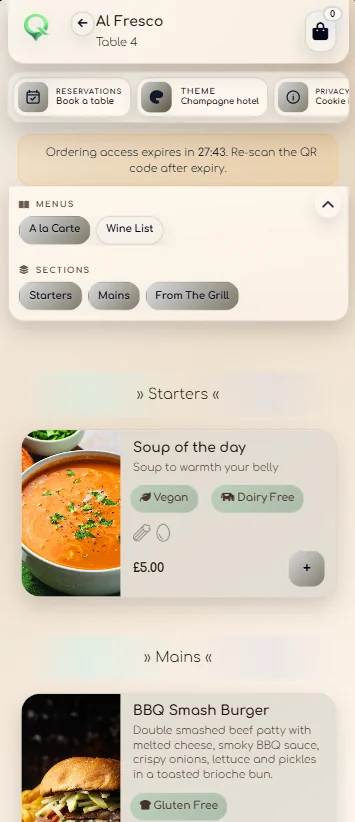
The QR already knows the area and location.
The venue can create printed material for a room, table or service point. A configurable ordering window helps prevent the same link being used later from somewhere else.
Guest ordering
There is no app to download and no guest account to create. The QR opens the correct room, table or service area and the guest orders from the menu already prepared by the venue.
The guest journey
Arrive in the right place
The venue can create printed material for a room, table or service point. A configurable ordering window helps prevent the same link being used later from somewhere else.
Choose without confusion
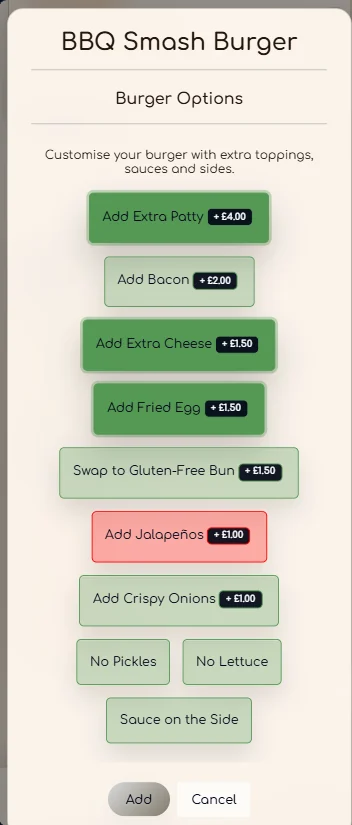
Modifier groups can control minimum and maximum selections, multiple choices and price changes. Clear rules stop the guest reaching checkout with an incomplete item.
Order for the people at the table
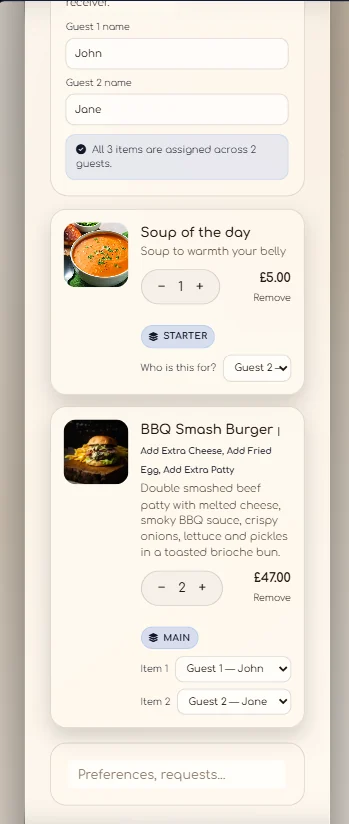
Shared orders remain understandable when several people choose the same item or different quantities. The service team receives the same assignment.
Set the pace
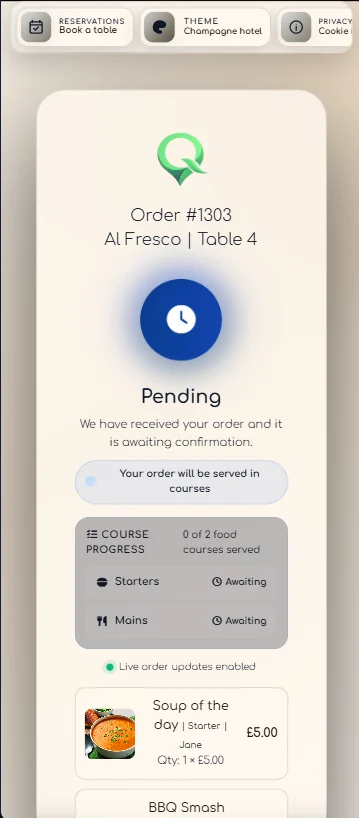
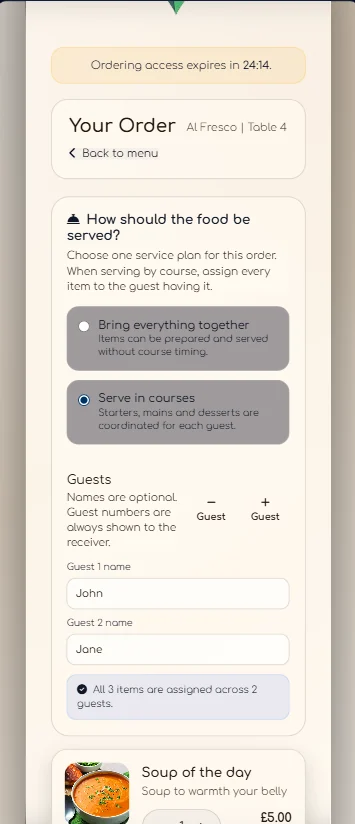
The guest can request the order together or by course. Starters, mains and other groups remain visible through the live service journey.
After the order is placed
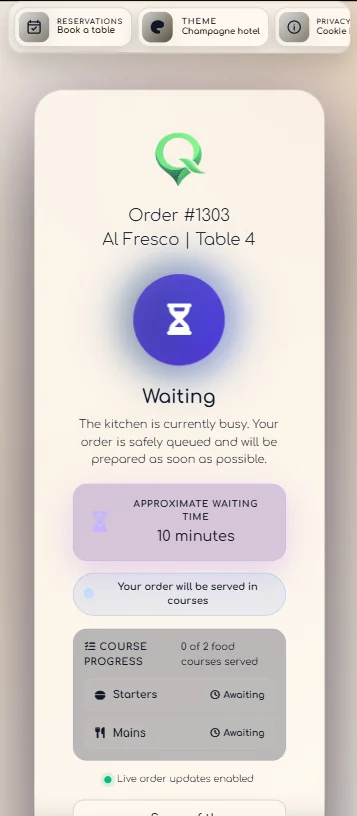
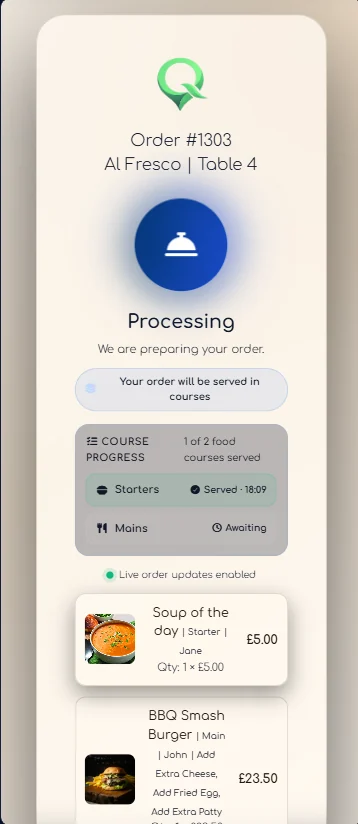
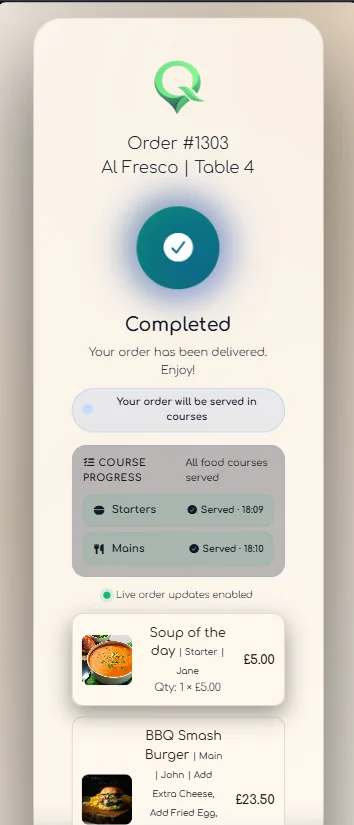
The status view follows the order as the team confirms it, begins preparation, gives a waiting estimate, serves courses and completes the service.
Your venue, not ours
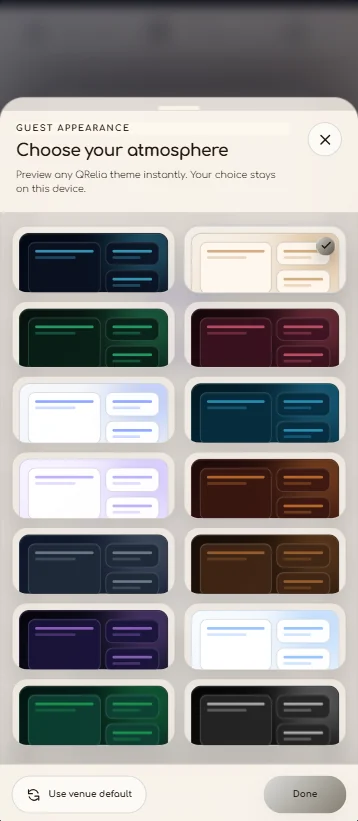
The venue can select the guest theme, add social links and provide a direct route to table booking. The visual preference remains available on the next visit.

Guest ordering in your own service