Open the right location
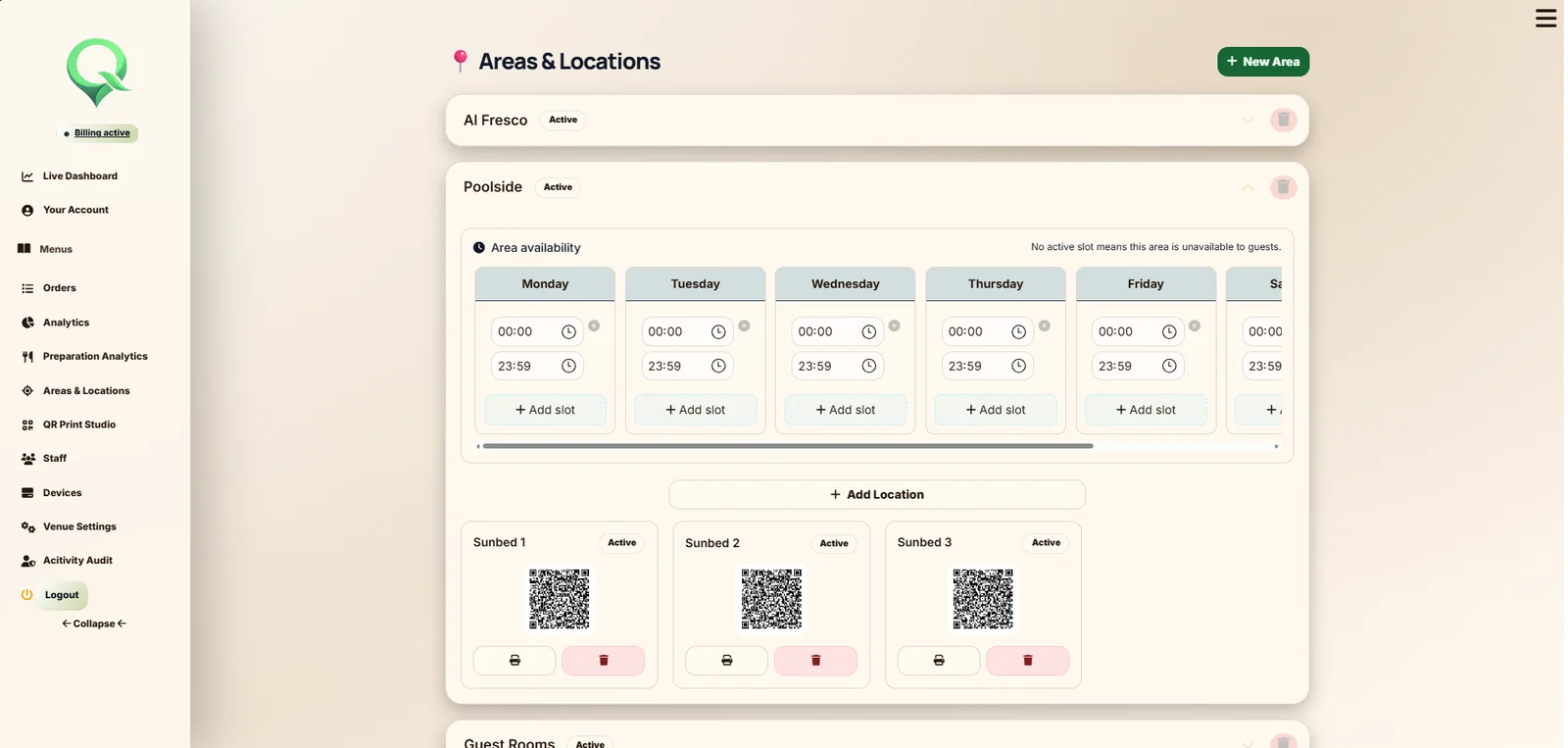
Create QR material against the rooms, tables and service areas already configured in QRelia.
Hotel QR ordering
Give guests a branded ordering journey without an app download. Each QR can open the correct room, table, terrace or service point, while the team receives the order with the operational detail needed to serve it properly.
Designed for hotel operations
QRelia keeps the guest-facing menu connected to the location, the staff workflow and the management record instead of treating QR ordering as a standalone digital menu.
Create QR material against the rooms, tables and service areas already configured in QRelia.
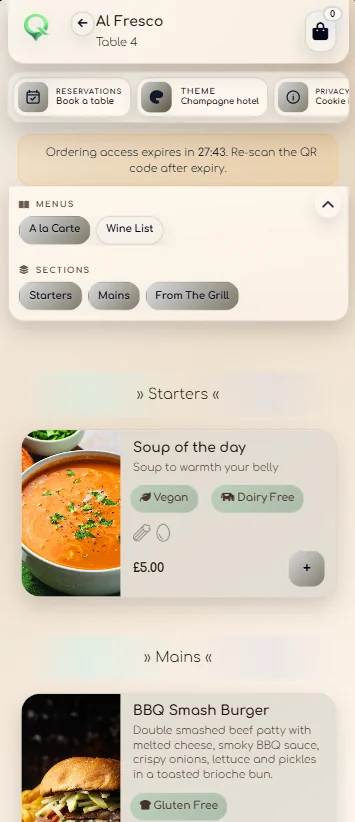
Use the venue logo, menu photography, themes, modifiers, availability and booking links in the guest journey.
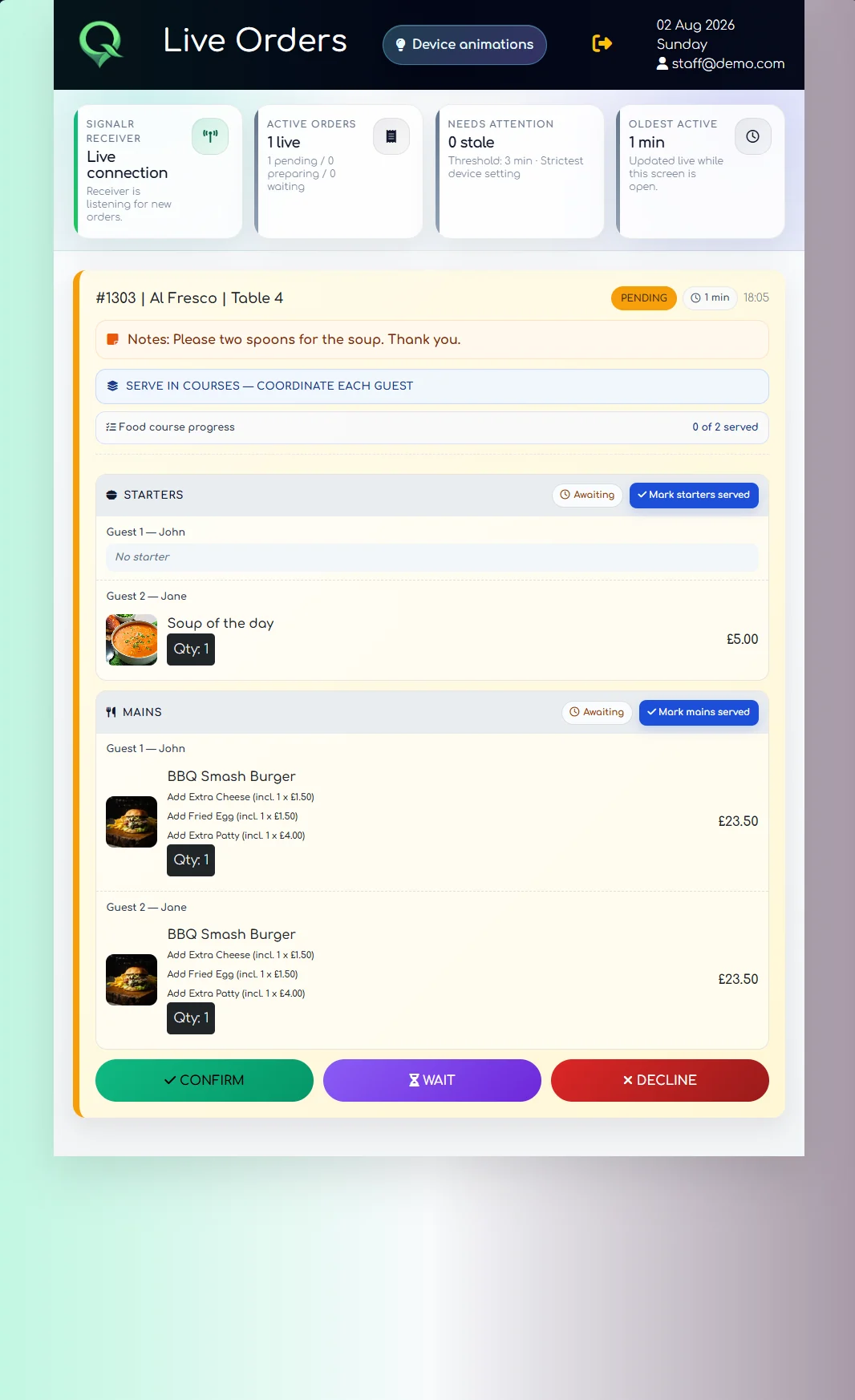
The Receiver carries location, items, guest assignment, notes, course choices and waiting information through service.
Orders feed the venue dashboard, order archive, preparation reporting and broader performance analysis.
From scan to fulfilment
The menu opens in the browser with the relevant venue and service location attached.
Required modifiers, optional extras, guest names and course preferences can stay with the correct items.
Staff confirm the order, communicate waiting time, serve courses and complete the service from the Receiver.
The same service data remains available for order history and venue reporting.
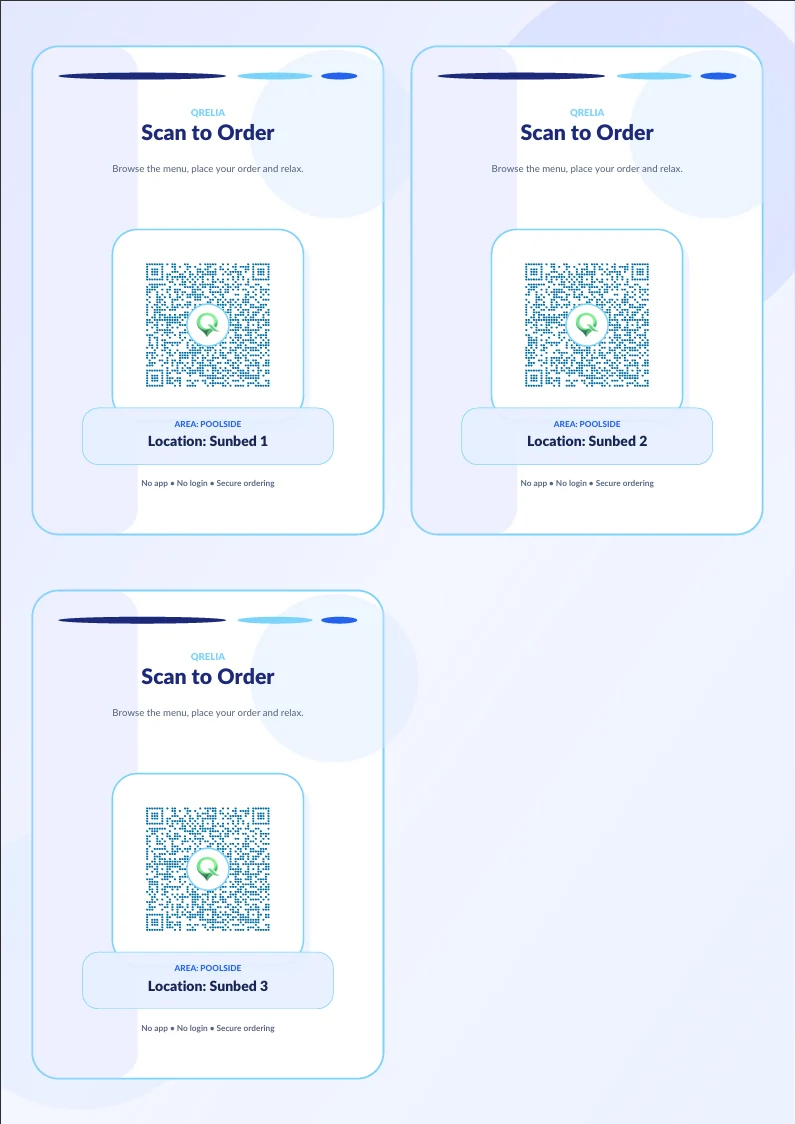
QR production included
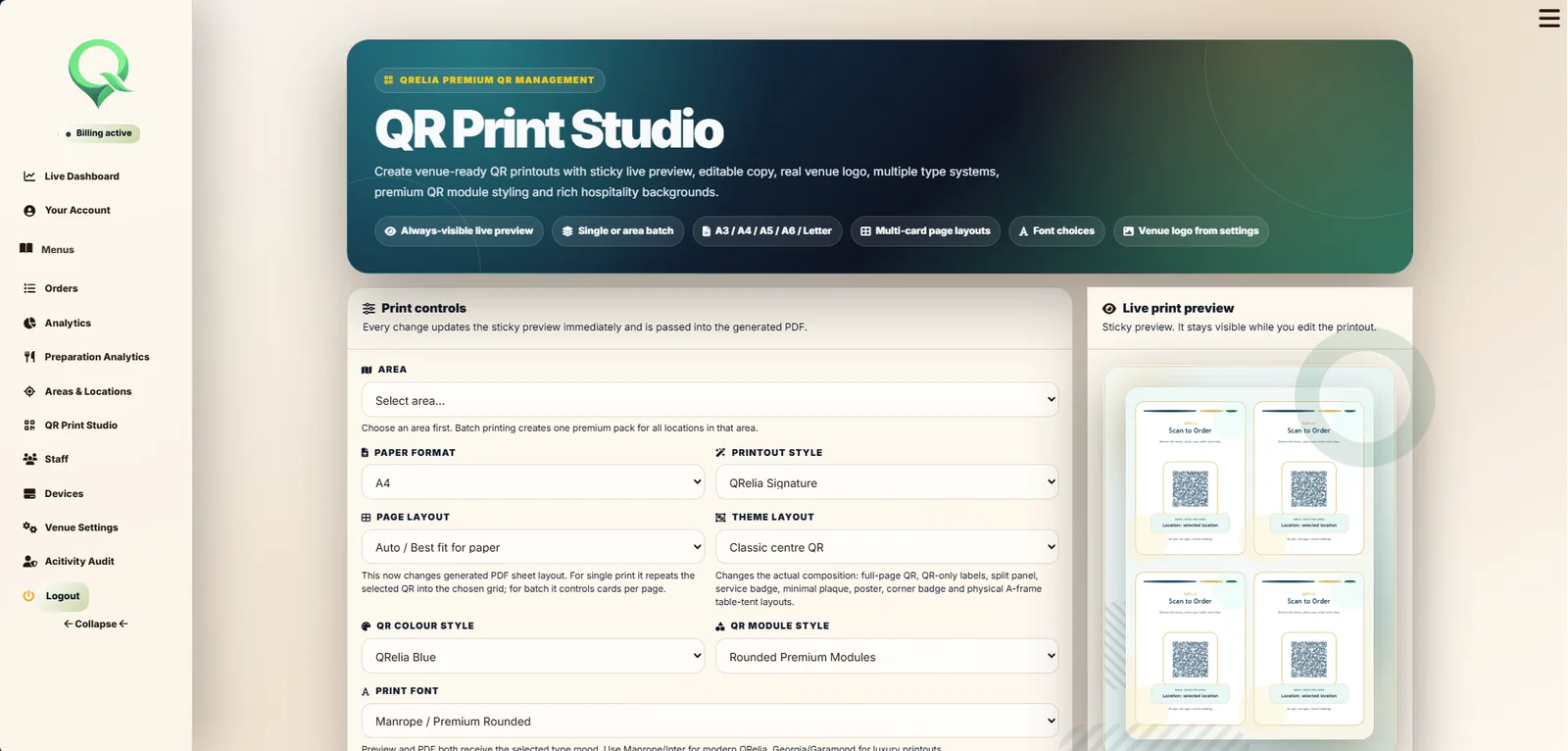
The QR Print Studio can produce single or batch material for configured locations and export it as PDF, reducing the disconnect between digital setup and what is actually placed in the property.
Explore hotel room service software ↗Hotel QR ordering questions
The hotel creates QR material for a room, table or service area. The guest scans it and QRelia opens the venue menu with the relevant service location already attached to the journey.
No. The guest journey runs in a normal mobile browser, without an app download or marketplace account.
Yes. The Receiver keeps the service location with the order alongside guest choices, modifiers, notes and live progress.
Yes. The complete software platform can run without the Ambient Device. Connected hardware is optional.

Try it with a real location