A clear arrival signal when attention is needed.
Platform
QRelia Ambient Device
Service status, expressed as light and context.
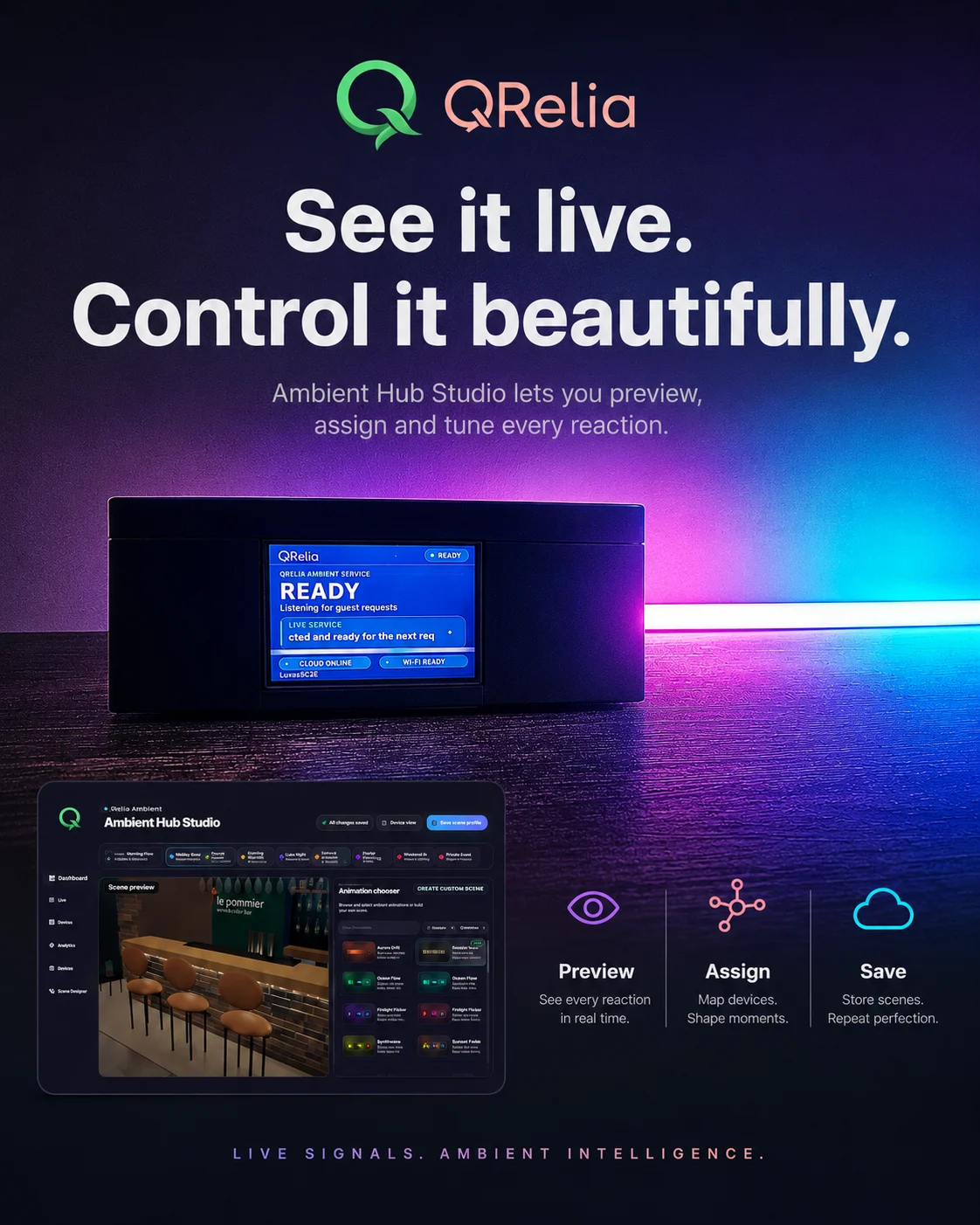
The current QRelia Ambient Device pairs addressable light with a full-colour LCD, so the team can see both the service state and the useful order context at a glance.
£199One time hardware price. Premium subscription required for connected device access.

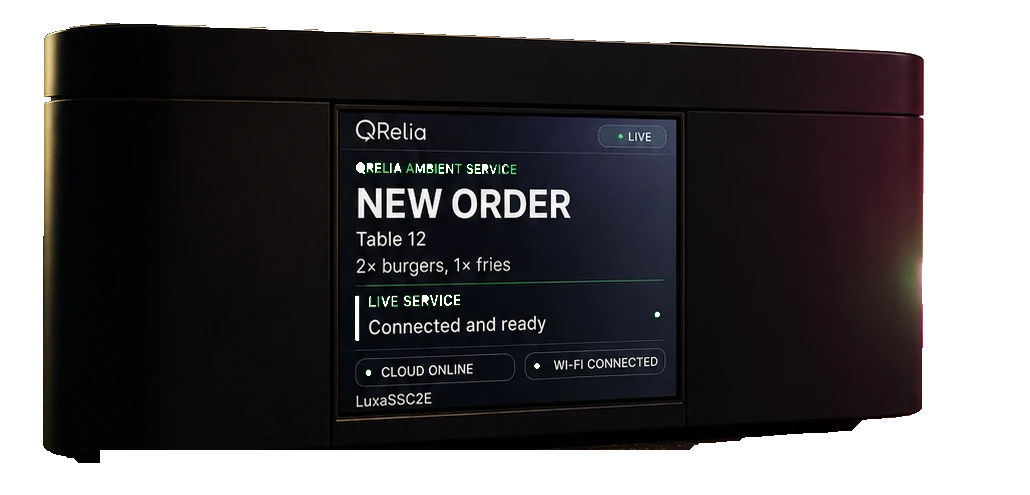
Real deviceReal LCD interfaceConnected to QRelia
A visual language for service
The room can understand the status without another ringing screen.
A calm indication that the team has taken responsibility.
A distinct state while the guest has an active estimate.
A short close to the service journey.
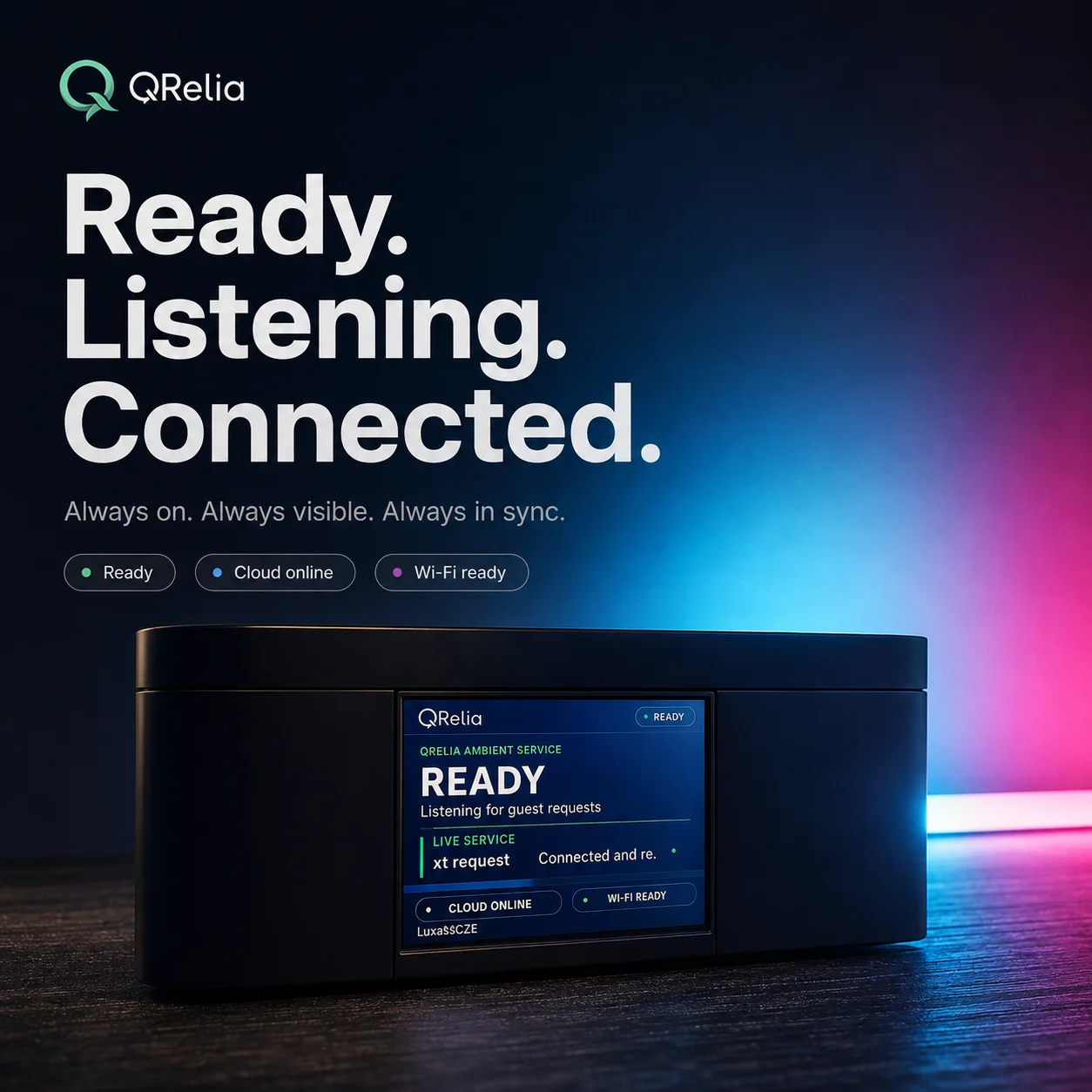
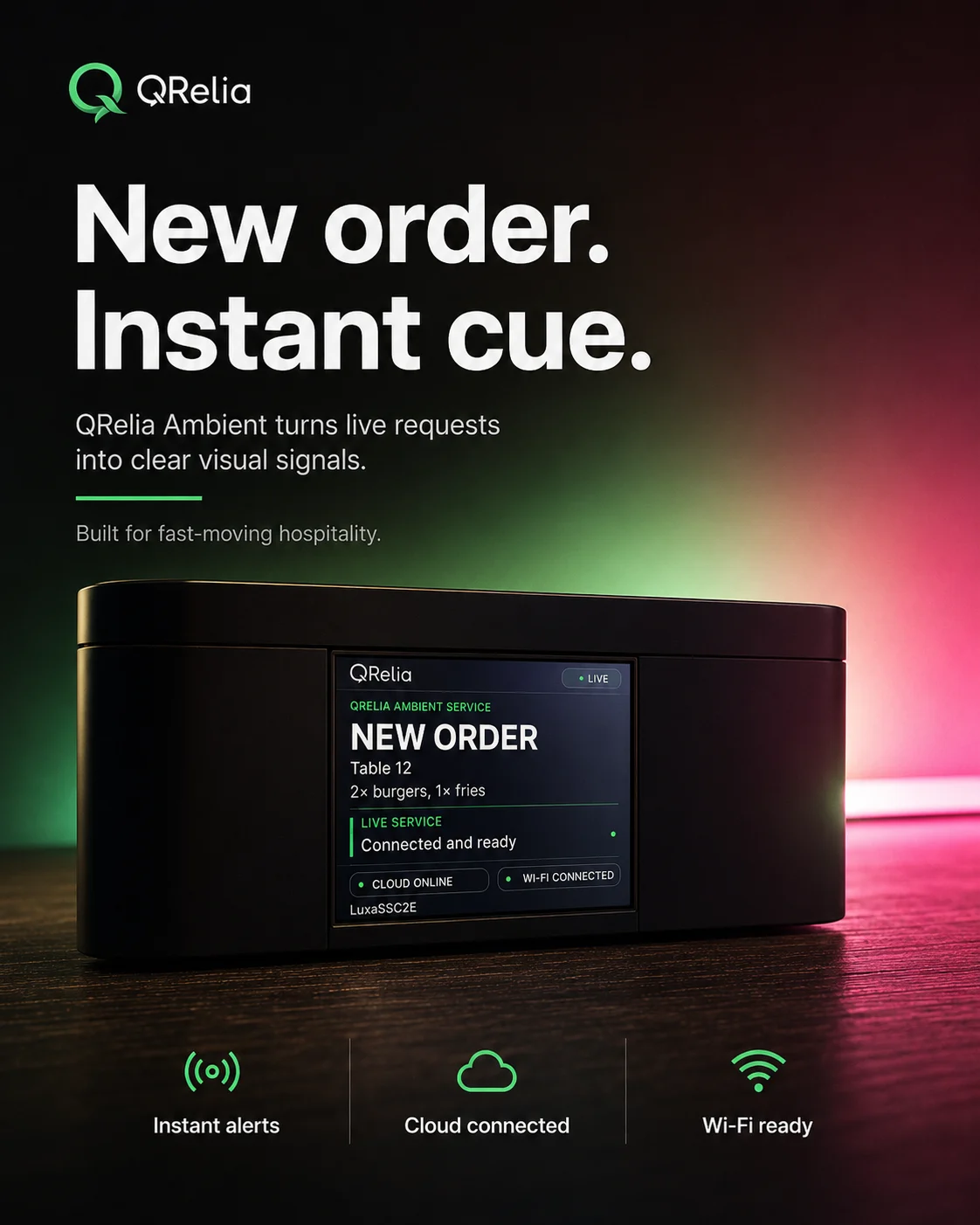
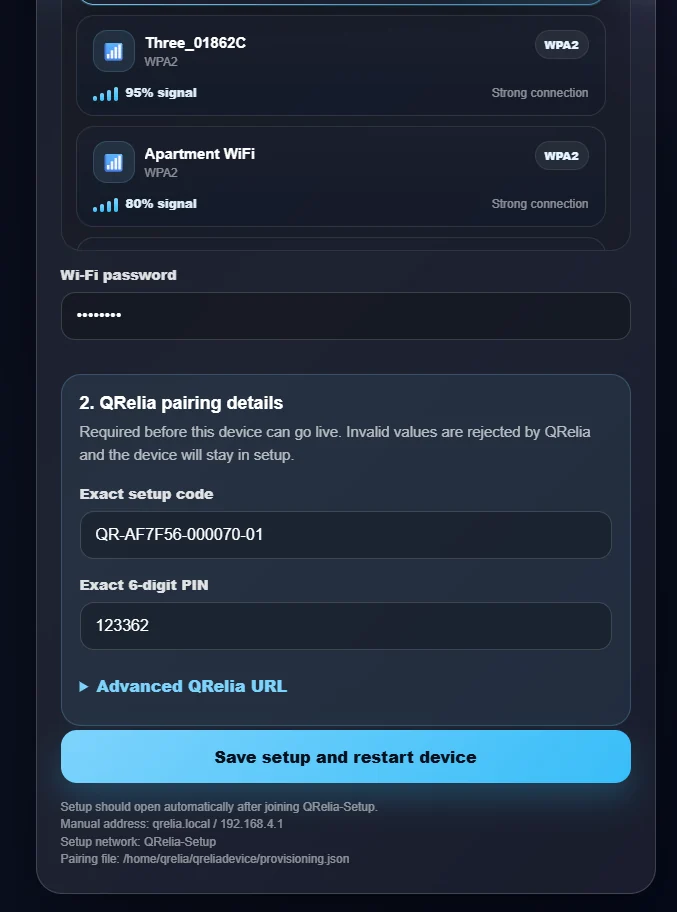
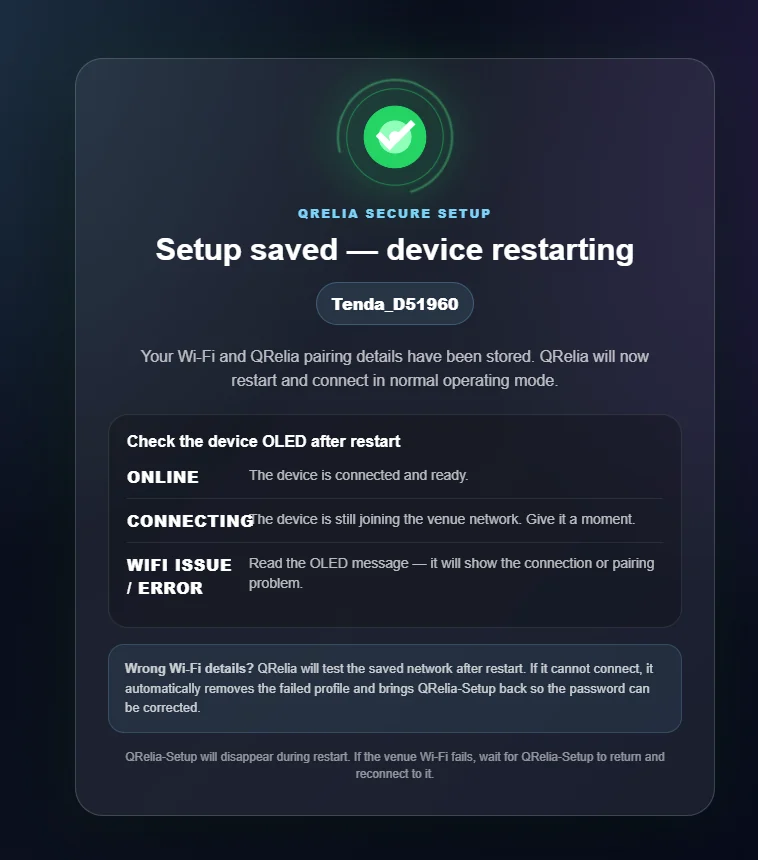
Effortless venue setup
Ready for service in a few guided steps.
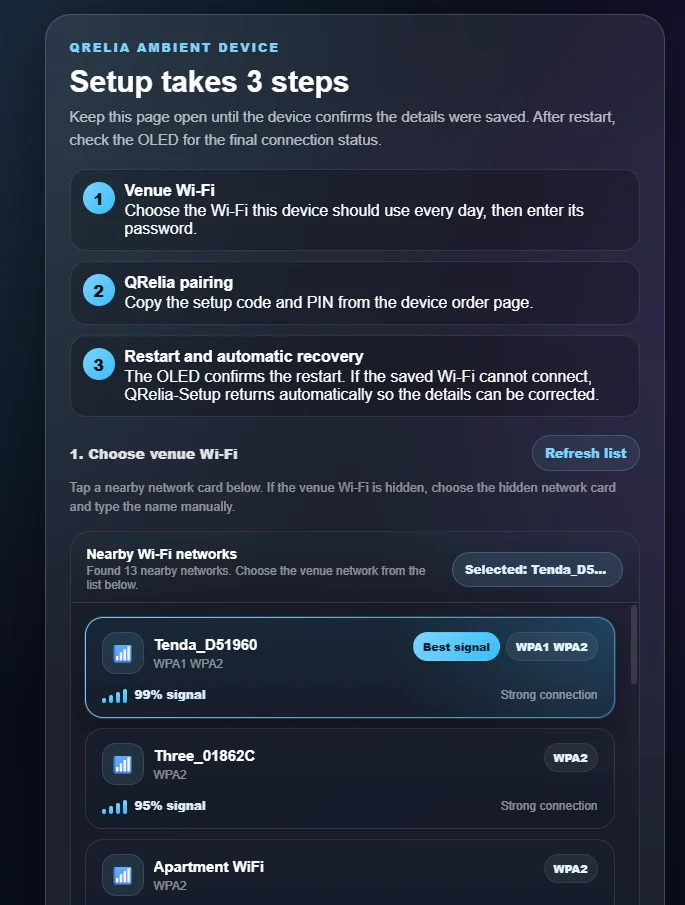
Any member of your team can connect the device to venue WiFi and pair it with QRelia from a phone or laptop. No engineer visit or specialist installation is required.
- 1Open the guided setup
Join the temporary QRelia setup network from a phone or laptop.
- 2Connect your venue WiFi
Choose the venue network and enter the pairing details shown in QRelia.
- 3Start using the device
It restarts, comes online and is ready to support the next service.
Controlled from QRelia
Profiles decide how each service state should look.
Choose the assigned device, create a profile and map animations to the order states. Online status and recent device contact remain visible in the venue account.
- Device assignment and identity
- Online status and last contact
- Animation profiles by order state
- Receiver controls when devices are available
- Full-colour LCD status and live service context
Current hardware
A physical product built for the live venue.
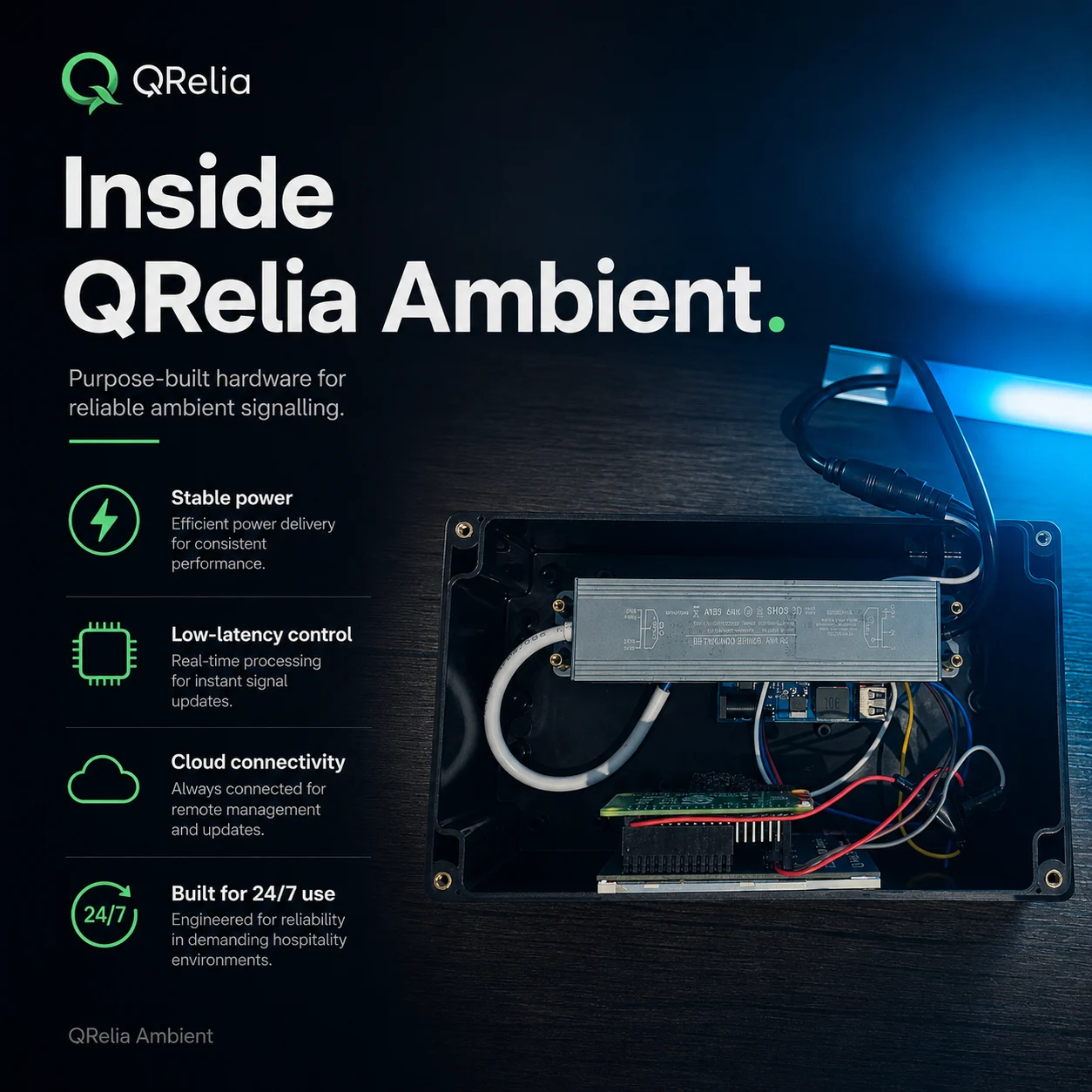
The LCD, ambient lighting layer, enclosure and control electronics operate as one connected QRelia device. It is a current hardware product designed around readable service context rather than a decorative light alone.
- One clear full-colour LCD for live context
- Ambient light response around the device
- Venue Wi-Fi and QRelia cloud connectivity
- Purpose-built enclosure and internal hardware
Software first
No hardware is needed to begin with QRelia.
Basic includes the complete software platform. Premium adds connected device access. Hardware is purchased separately when it has a useful place in the venue.