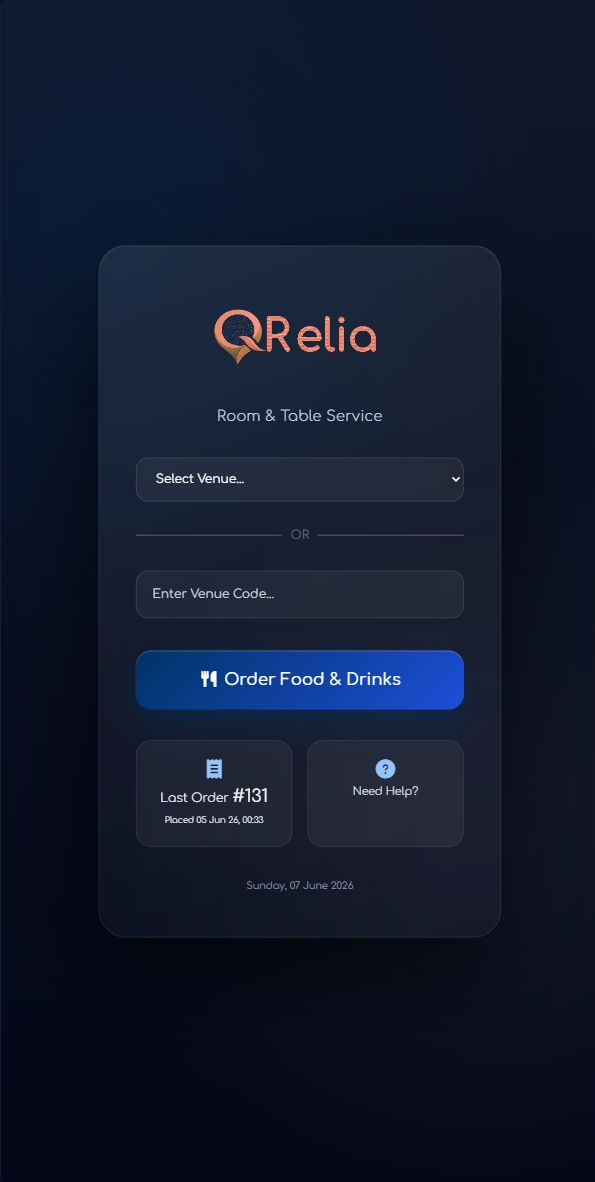
Guest entry
Landing Experience
The guest enters through a branded venue screen that feels clear and connected to the place they are ordering from.
Customer Ordering
QRelia’s customer side is designed for hospitality spaces where QR ordering should feel calm, branded and useful, not like a disconnected web checkout.
Mobile-first hospitality
The ordering flow carries the operational details behind the scenes: menu availability, modifiers, notes, location context and basket pricing. The guest only sees a polished journey that makes sense on a phone.
The first screen can match the property, restaurant, terrace or bar experience.
Descriptions, images, prices, notes and choices are presented without visual noise.
The final order includes what was ordered and where service needs to respond.
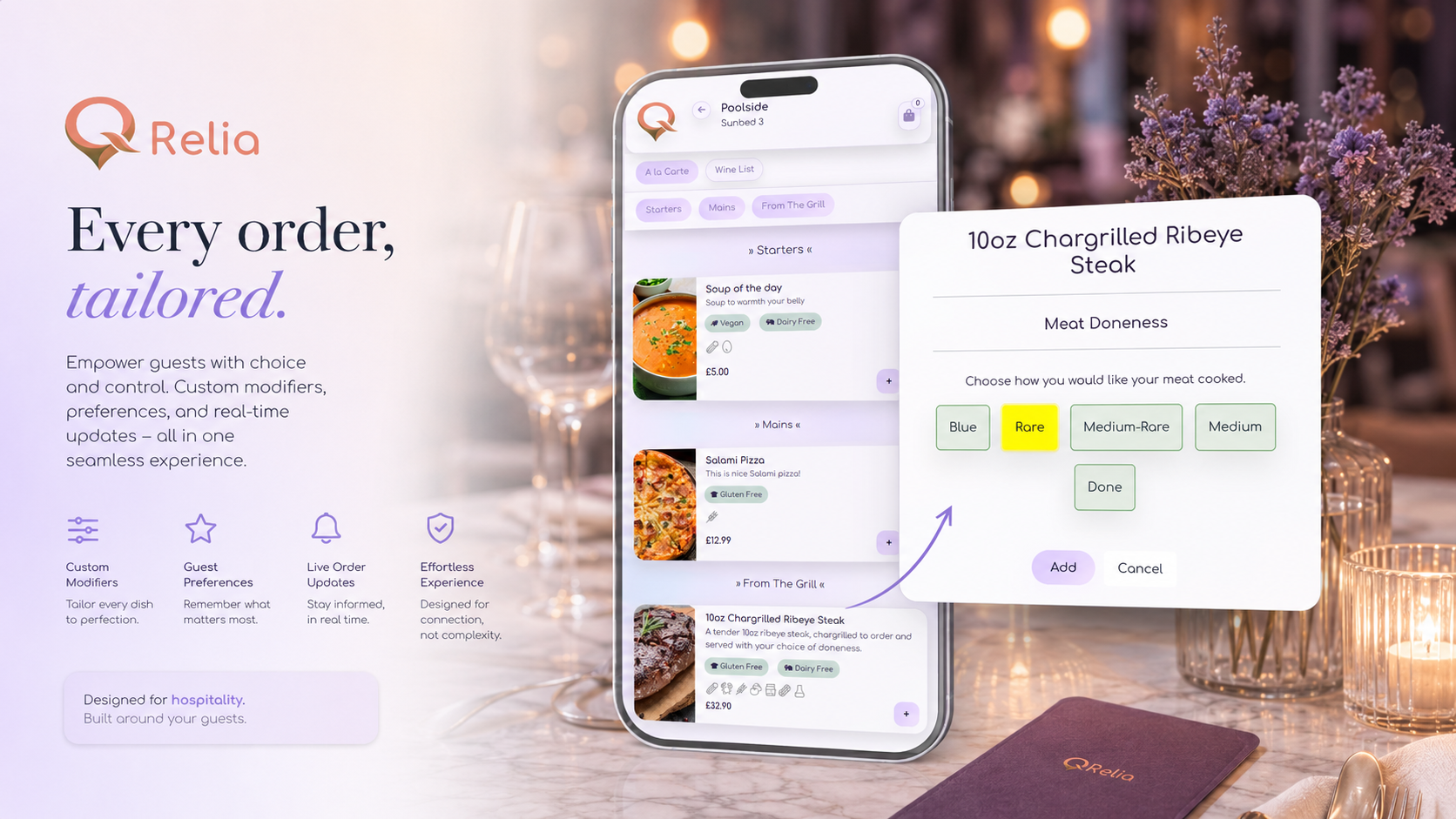
Guest flow
The guest enters through a branded venue screen that feels clear and connected to the place they are ordering from.
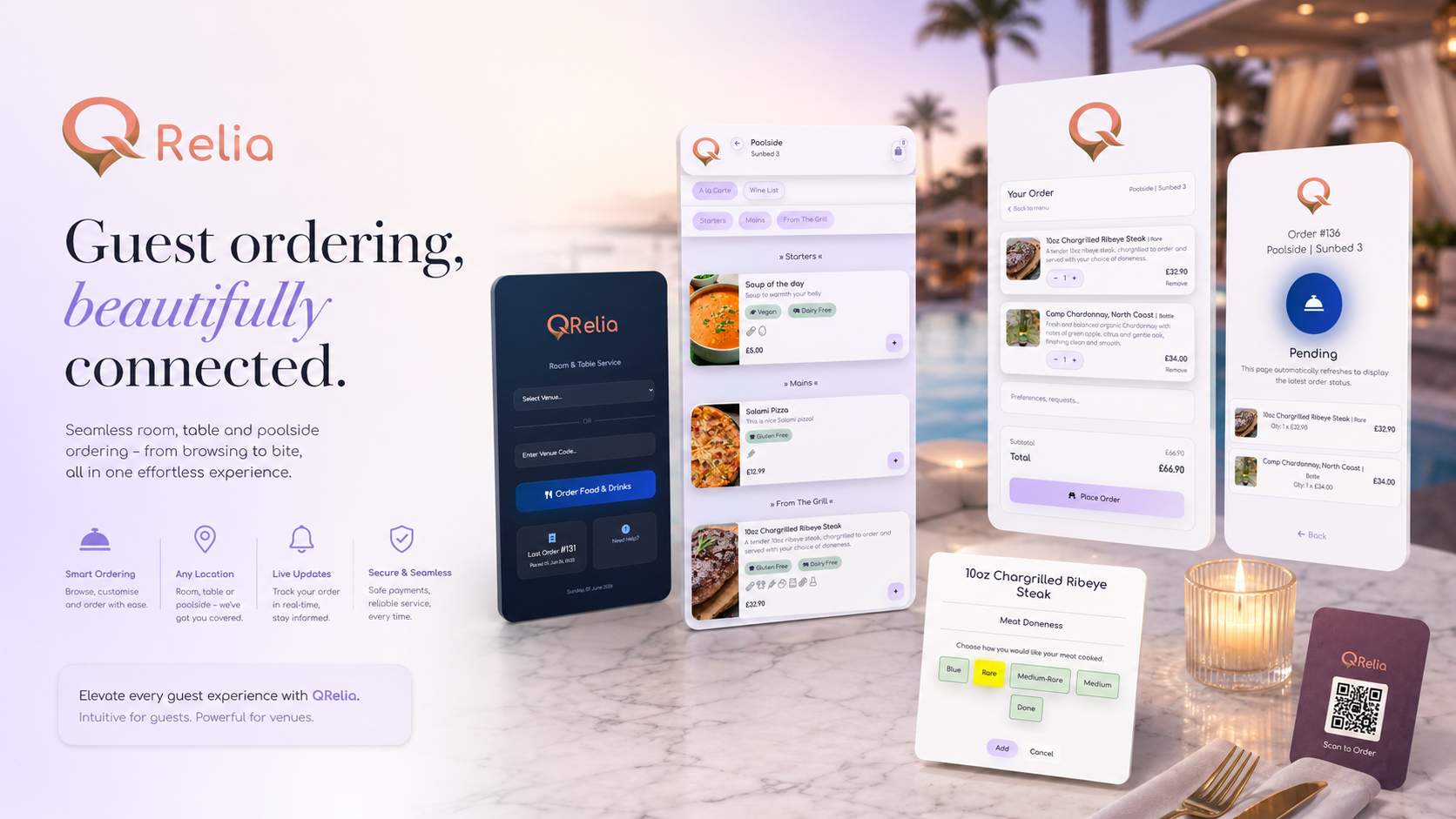
Guests are routed to the right menu for the moment, service area or availability window.
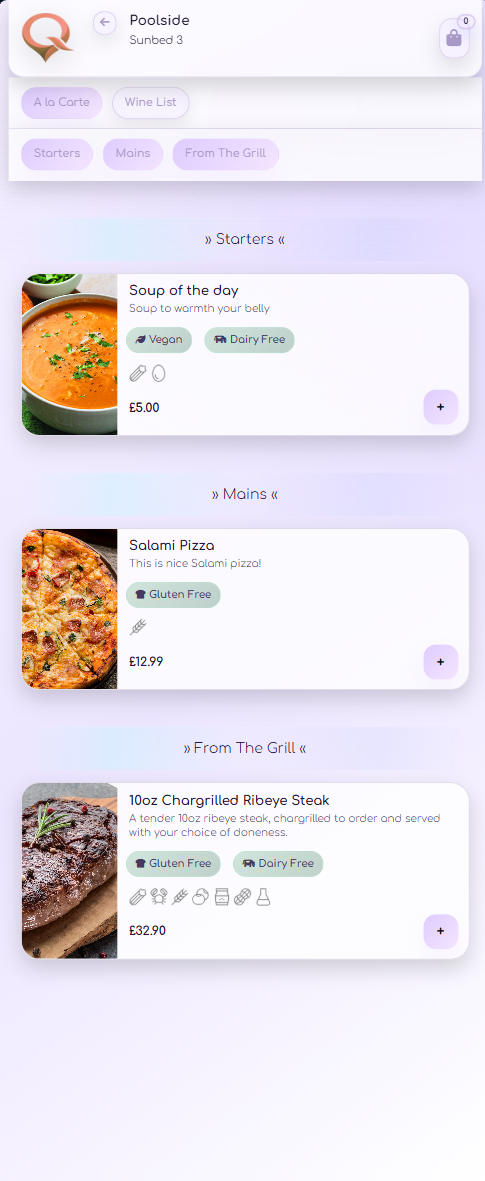
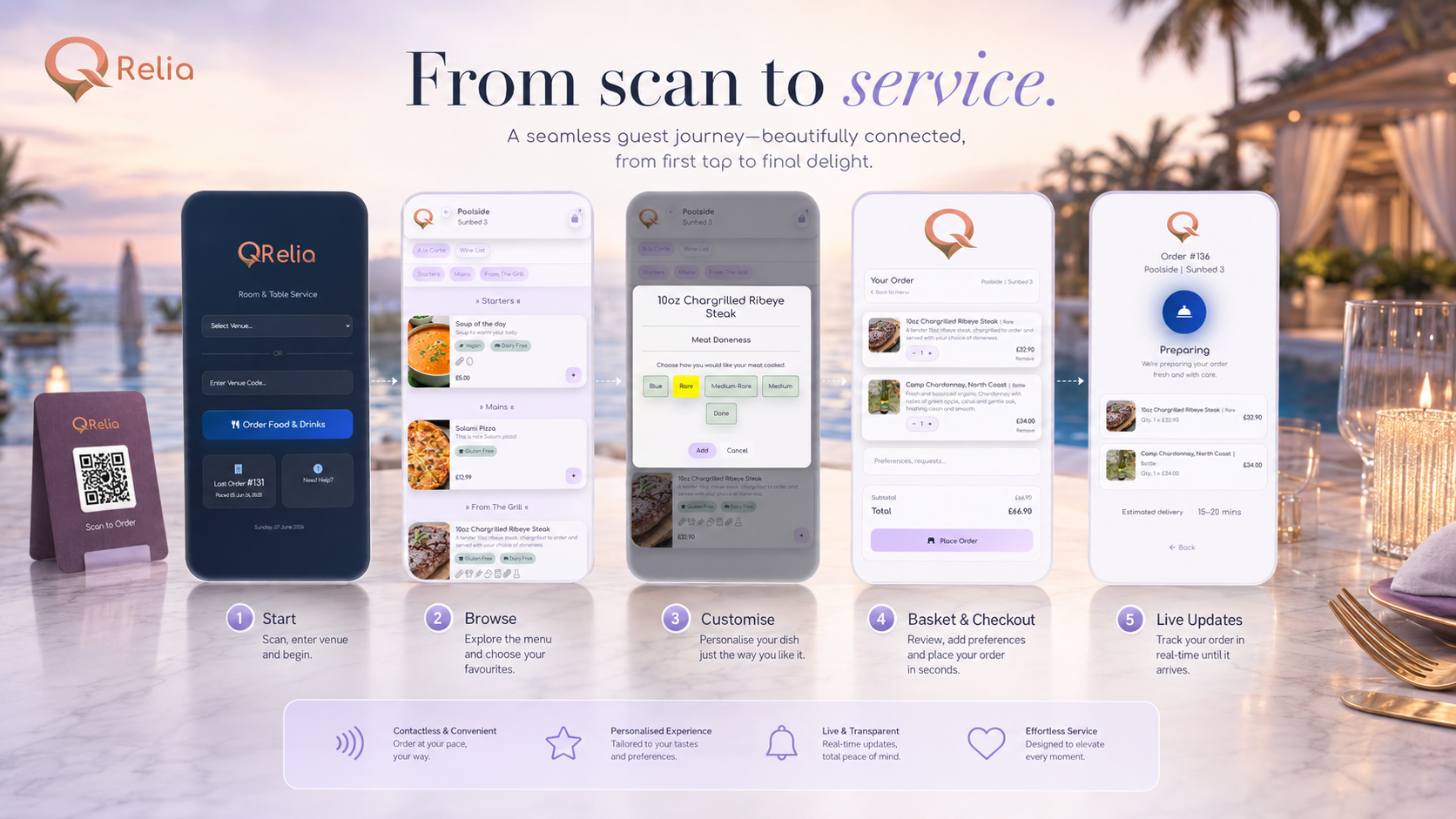
A clean mobile-first ordering surface with sections, item cards, descriptions, prices and visual hierarchy.
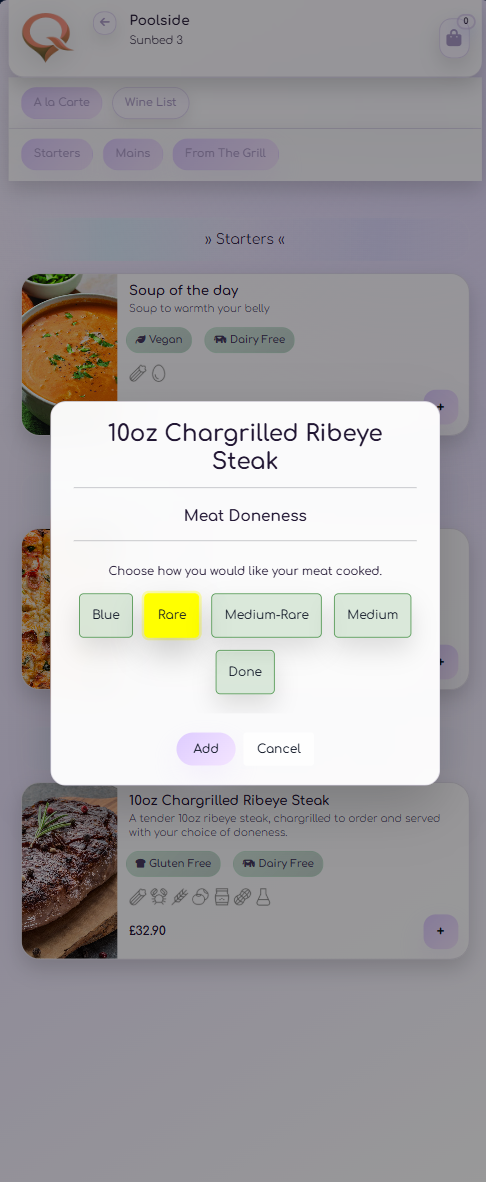
Support item options, modifiers, pricing choices and hospitality details without making the journey feel heavy.
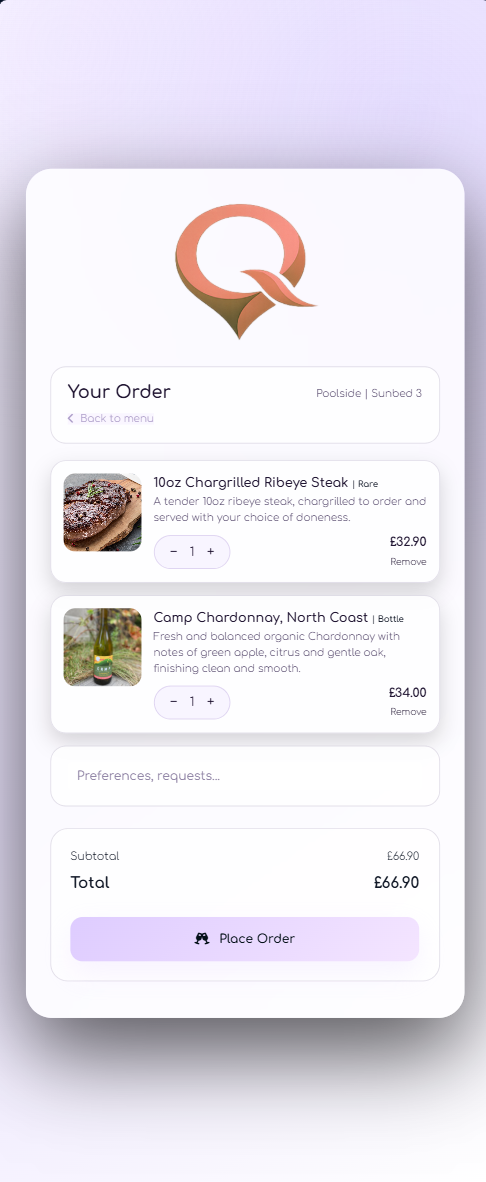
A simple review step where guests can check selections before the order is sent into the live workflow.
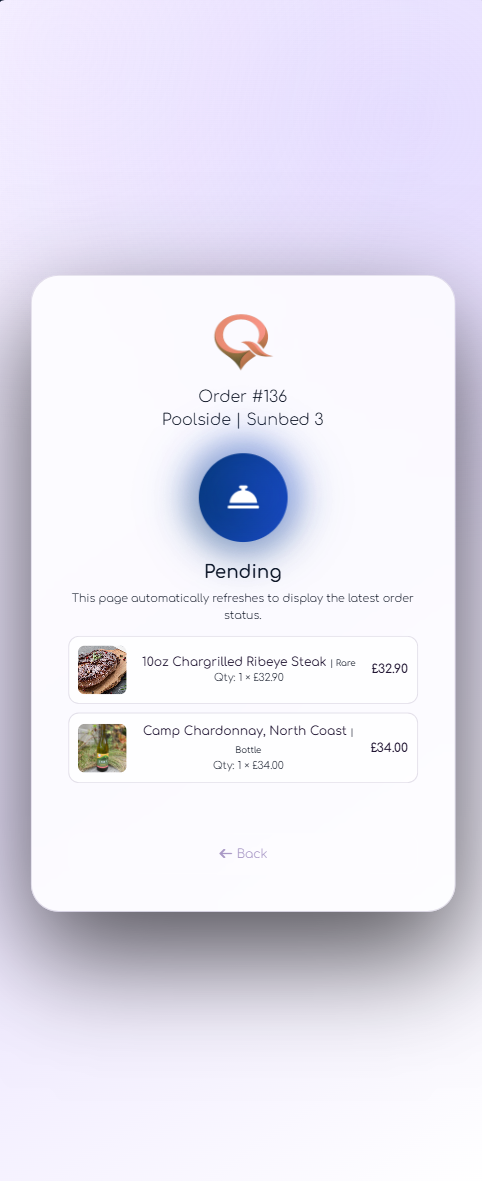
A clear confirmation moment that reassures the guest and completes the ordering flow.
The scan matters
A guest’s first interaction is often the printed QR card. QRelia treats that card as part of the venue’s service design, then connects it to the right menu and operational location.