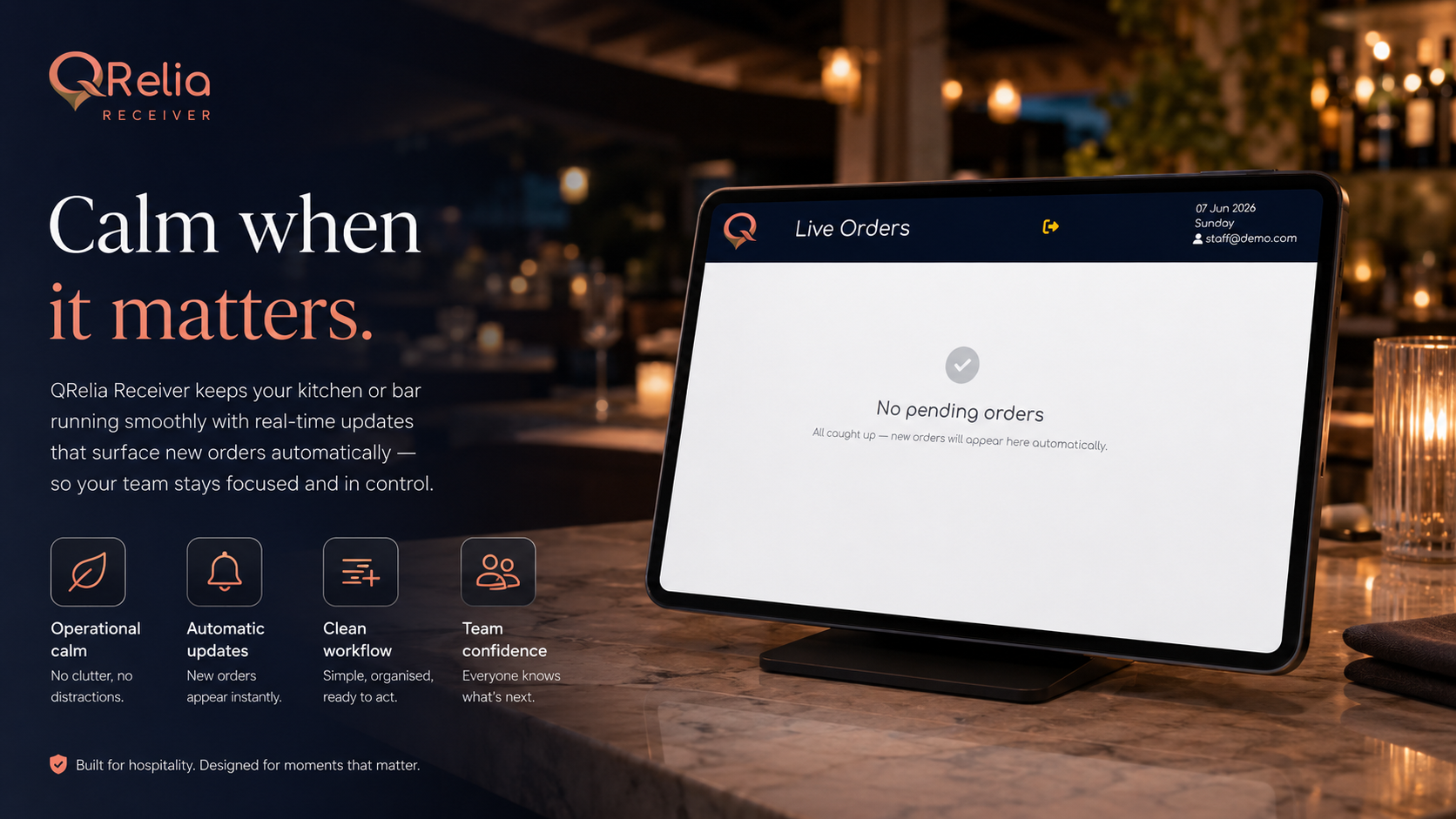
Real-time
Live Order Board
Incoming orders appear instantly for kitchen, bar or service teams in one focused working view.
Receiver App
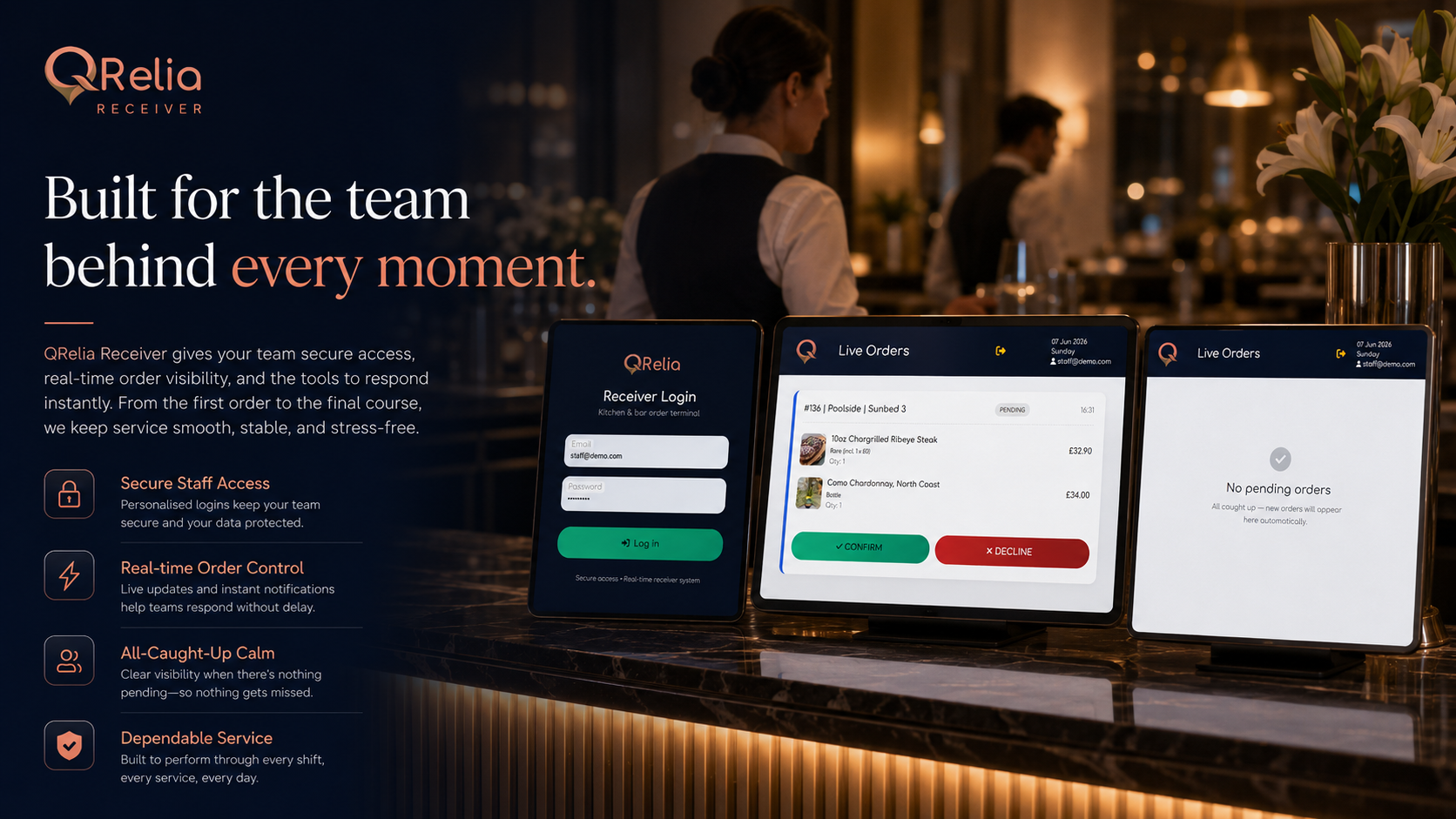
The receiver is where QR orders become operational work. Staff see the order, the location, the timing, the notes and the current status without needing to dig through the admin portal.
Designed for active service
During service, the receiver needs to be direct. QRelia keeps the layout focused on order state, guest notes, location and actions so the team can respond quickly.
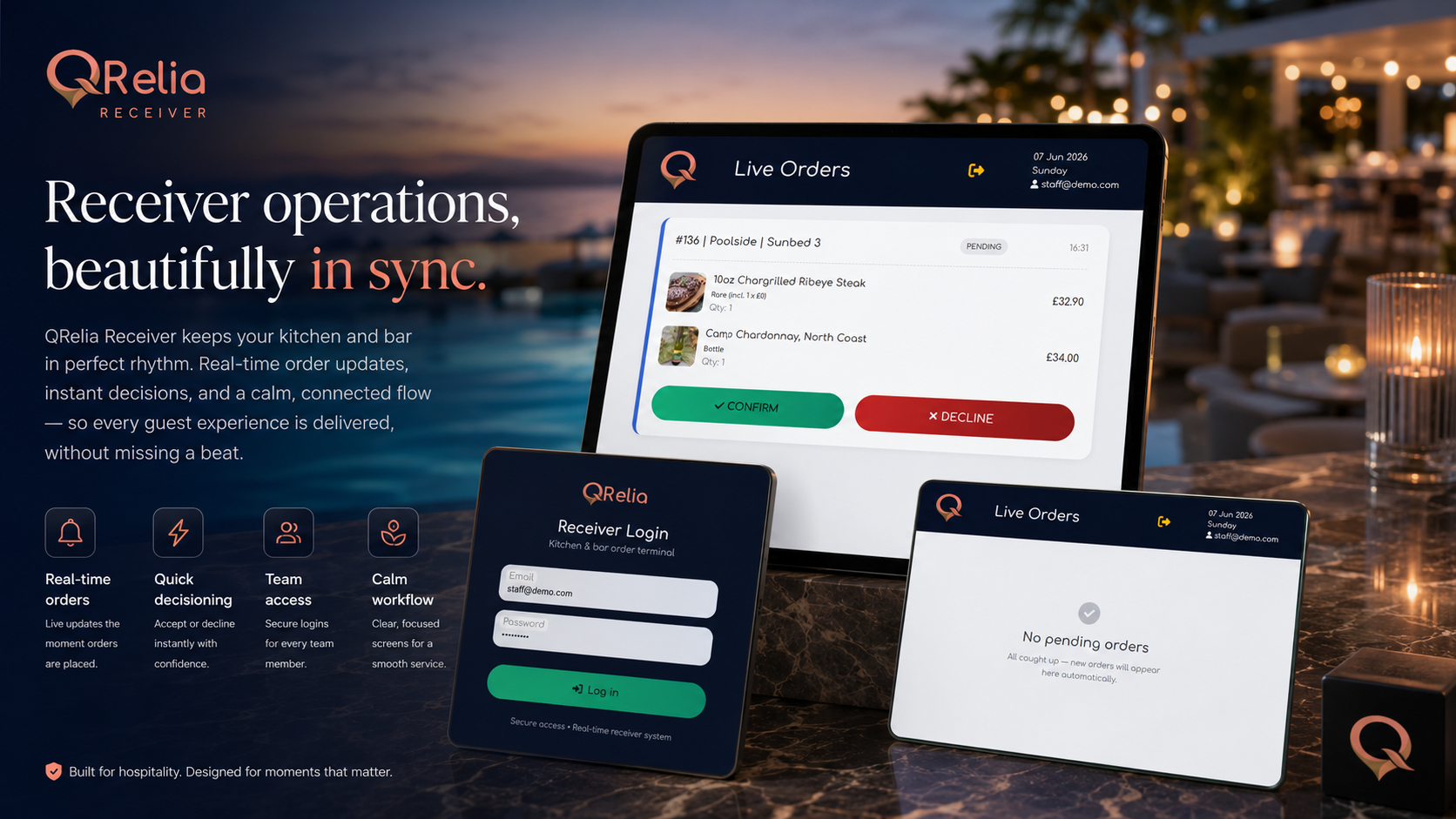
Receiver workflow
Incoming orders appear instantly for kitchen, bar or service teams in one focused working view.
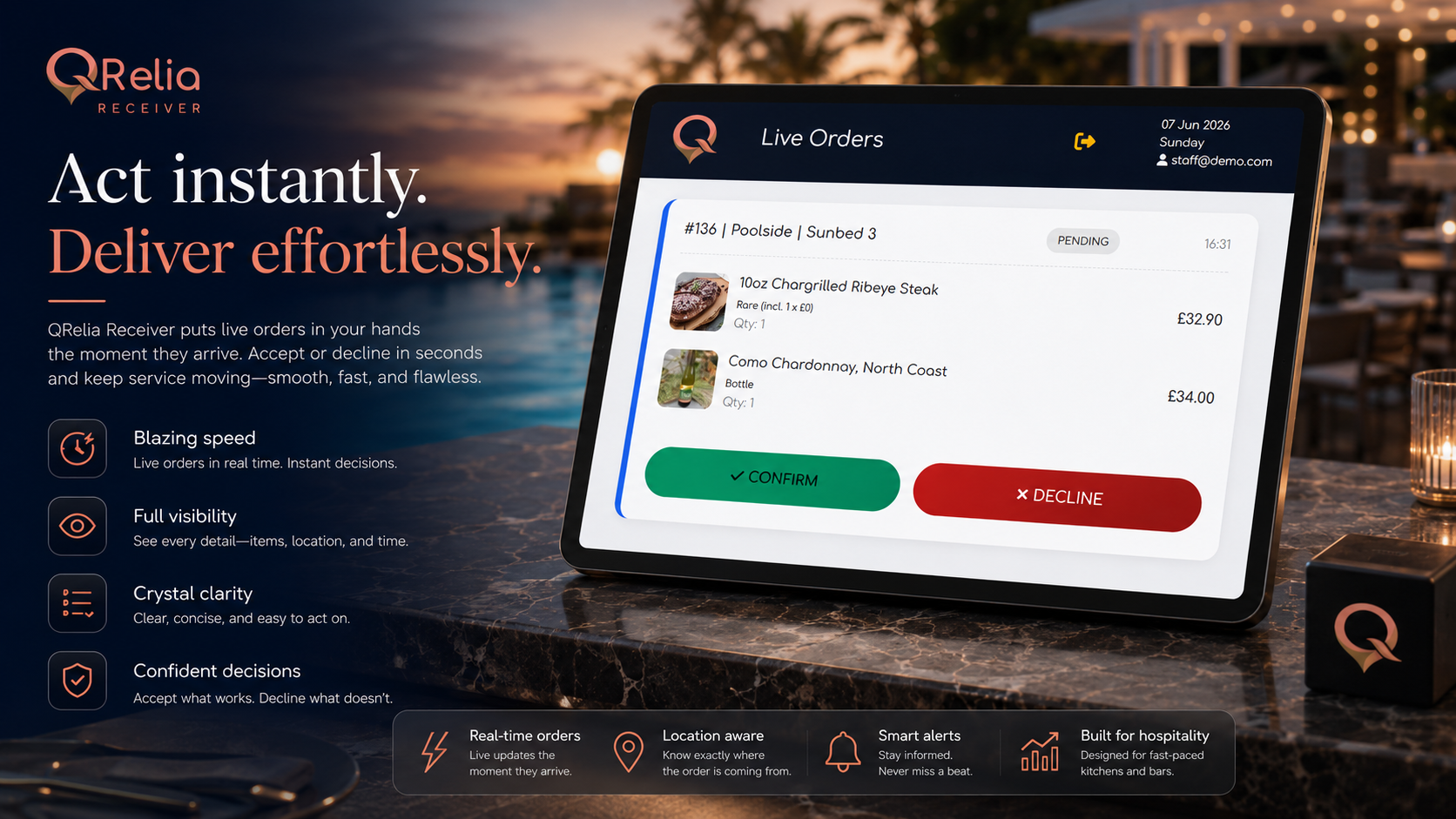
Staff can review items, modifiers, notes, prices and location context before confirming or declining.
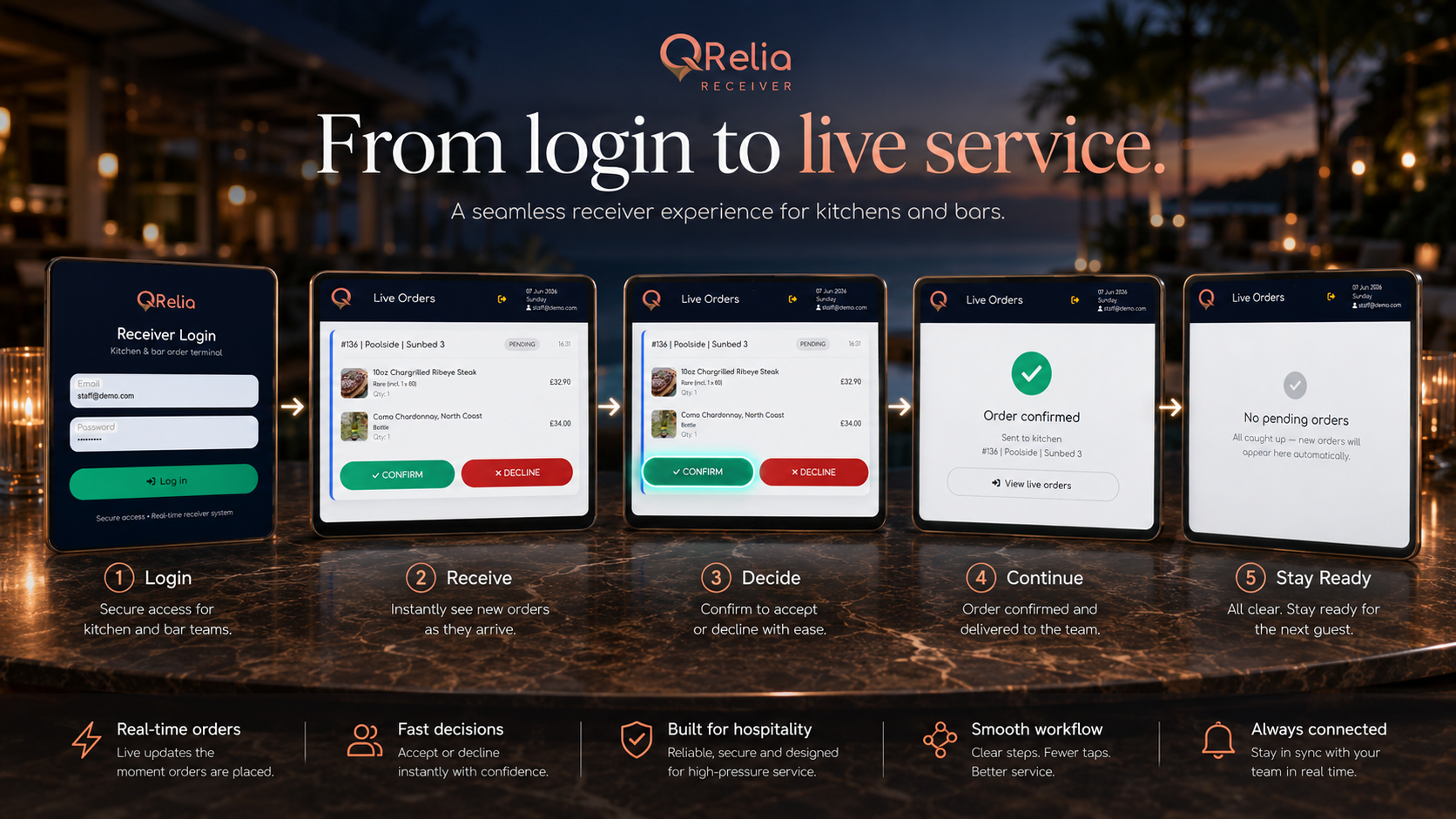
Orders move through clear states: pending, processing, completed or cancelled.
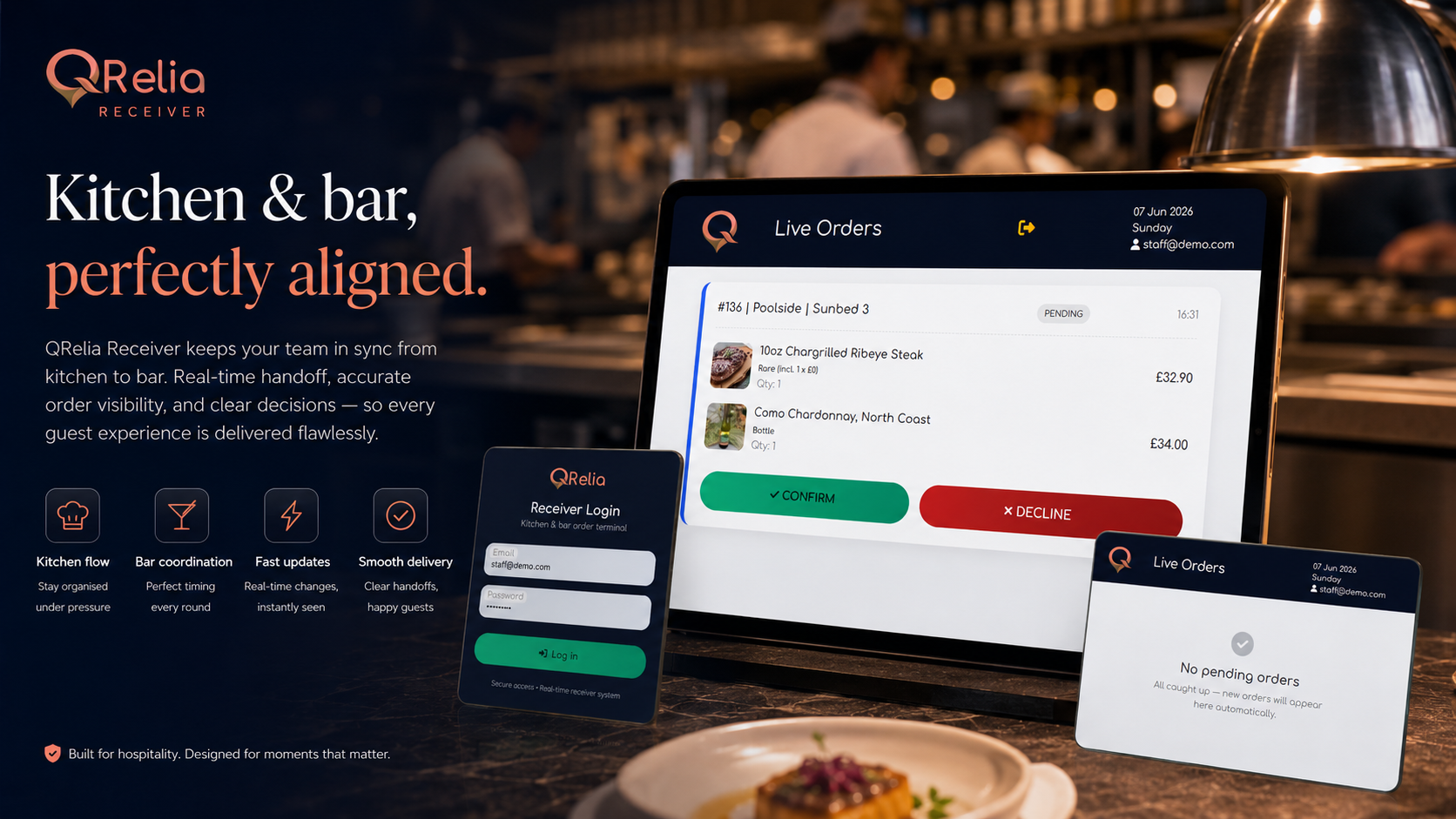
Ready orders stay easy to identify, helping staff move quickly during active service.
Full loop
The receiver completes the loop started by the QR card. A guest scans a location-aware print, places an order, and the team receives the exact context needed to serve it.