Overview
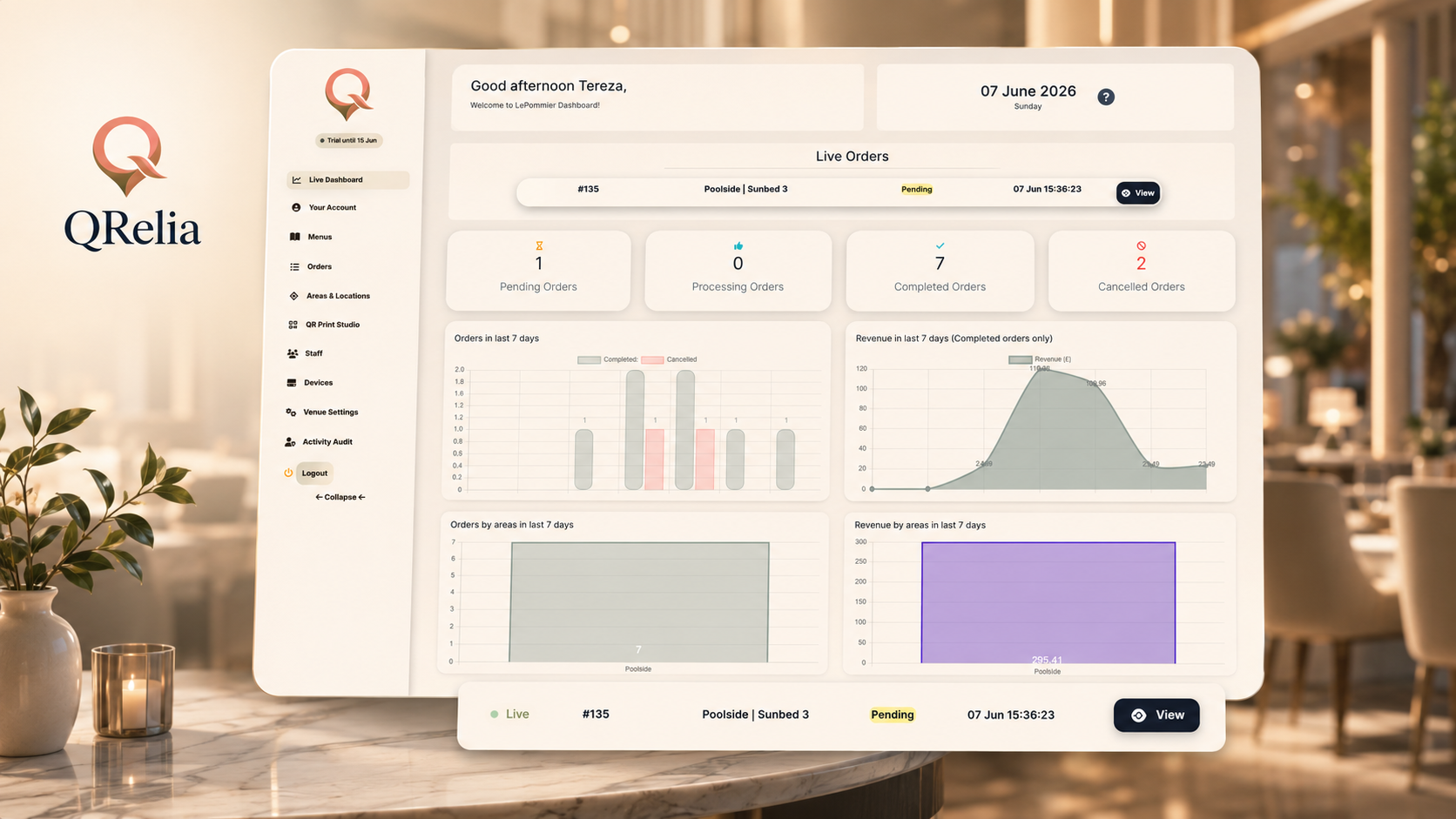
Live Dashboard
Daily orders, revenue, service activity and performance signals for the venue.
Admin Portal
The Admin Portal is where a hospitality business runs QRelia day to day: menu setup, QR deployment, locations, staff, reporting, billing and operational configuration.
Built around the venue
QRelia keeps the practical details close to the surface: what guests can order, where orders come from, who can access the system, what QR codes are live, and how the venue is performing.
Core screens
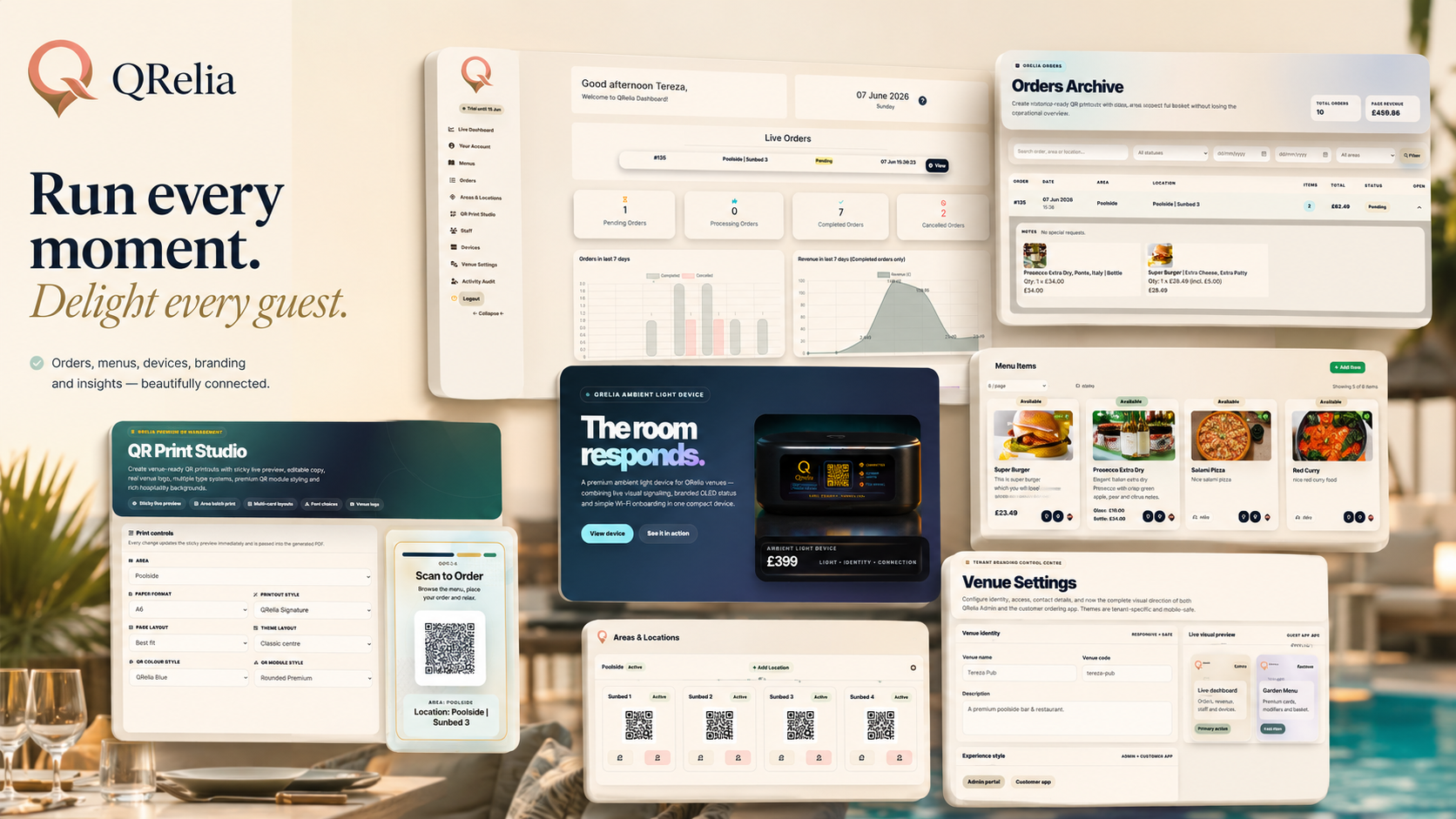
Daily orders, revenue, service activity and performance signals for the venue.
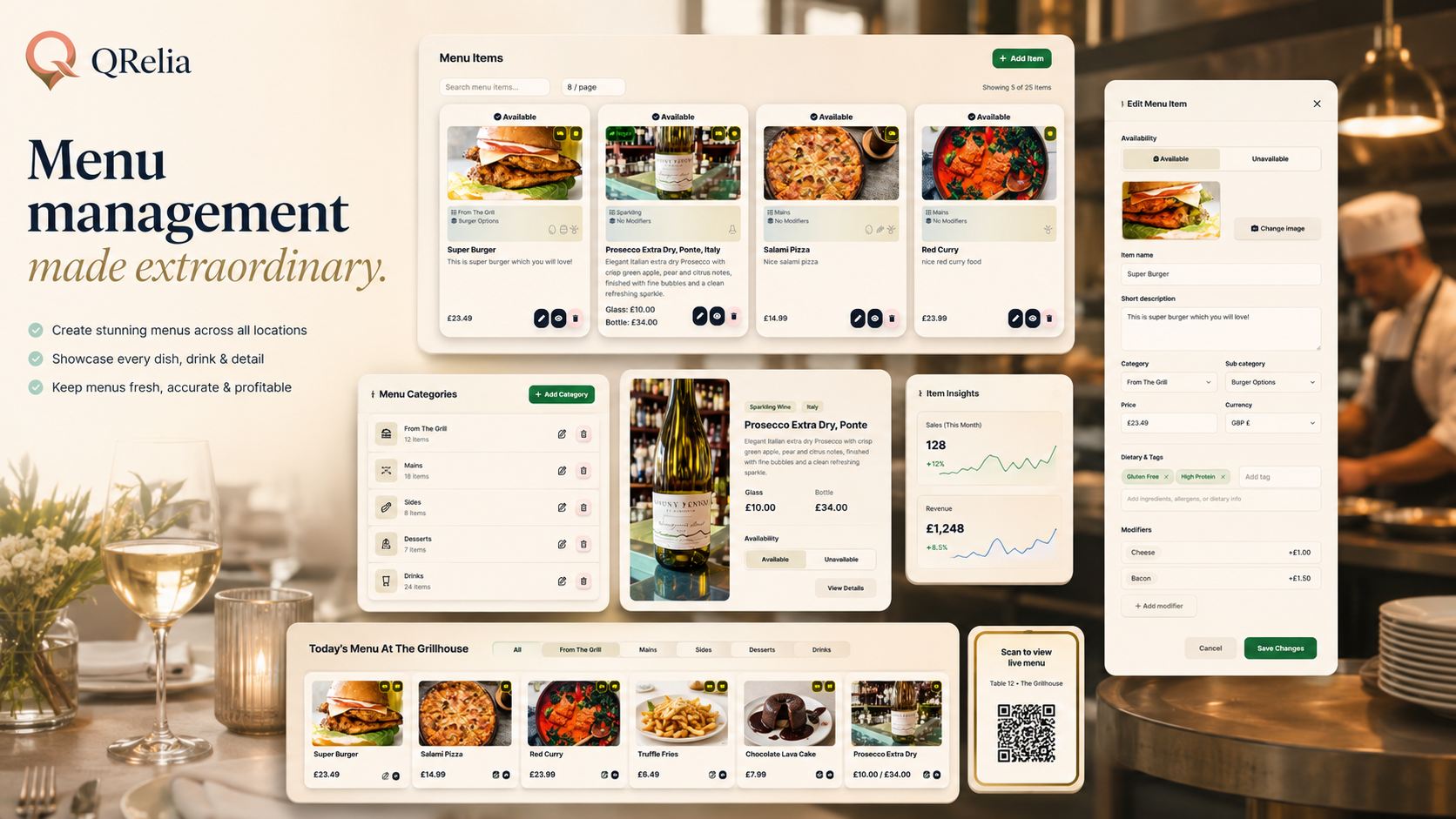
Create and organise the menus guests use across rooms, tables, terraces and service areas.
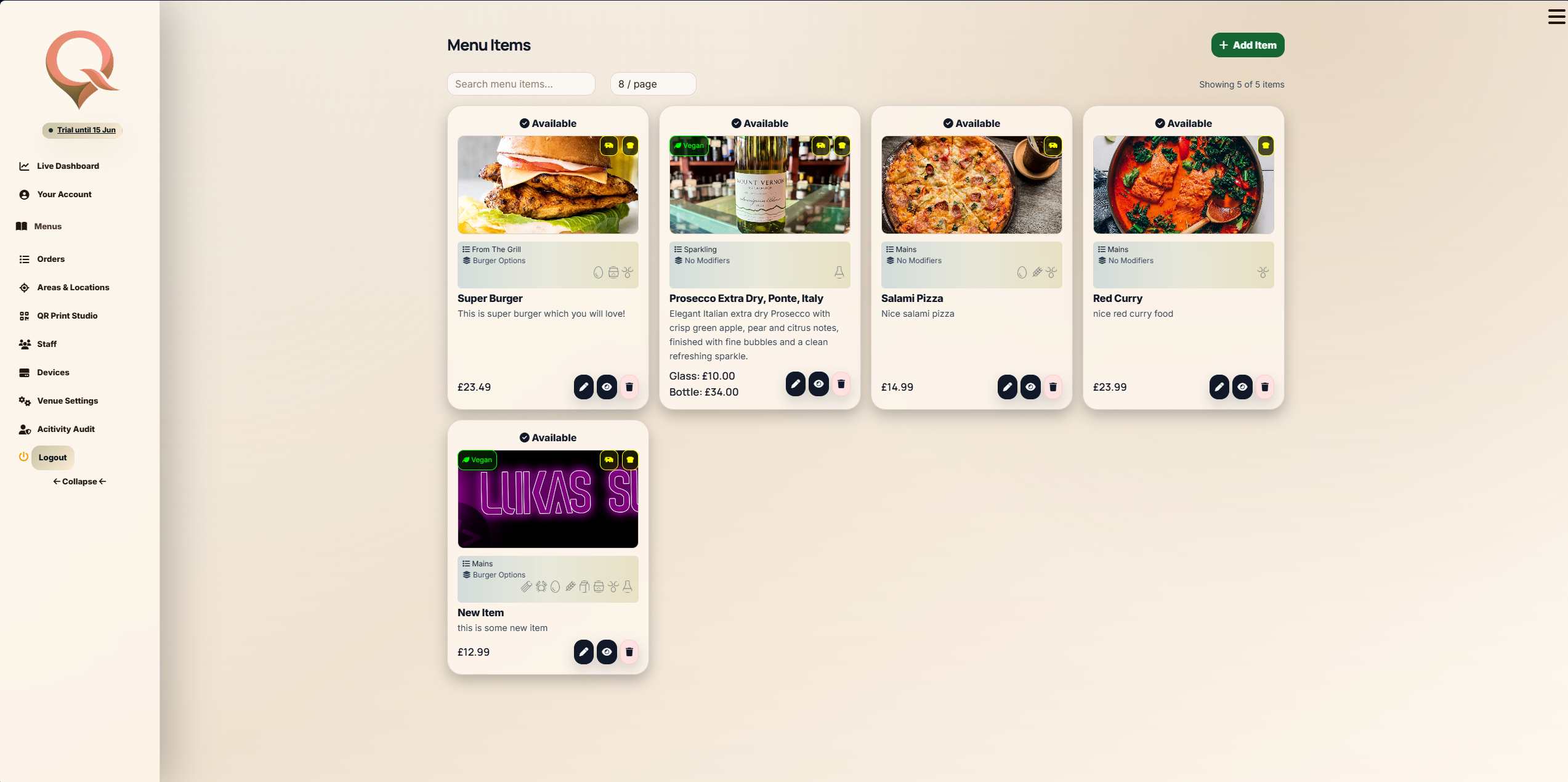
Manage item names, descriptions, images, pricing, availability and operational detail.
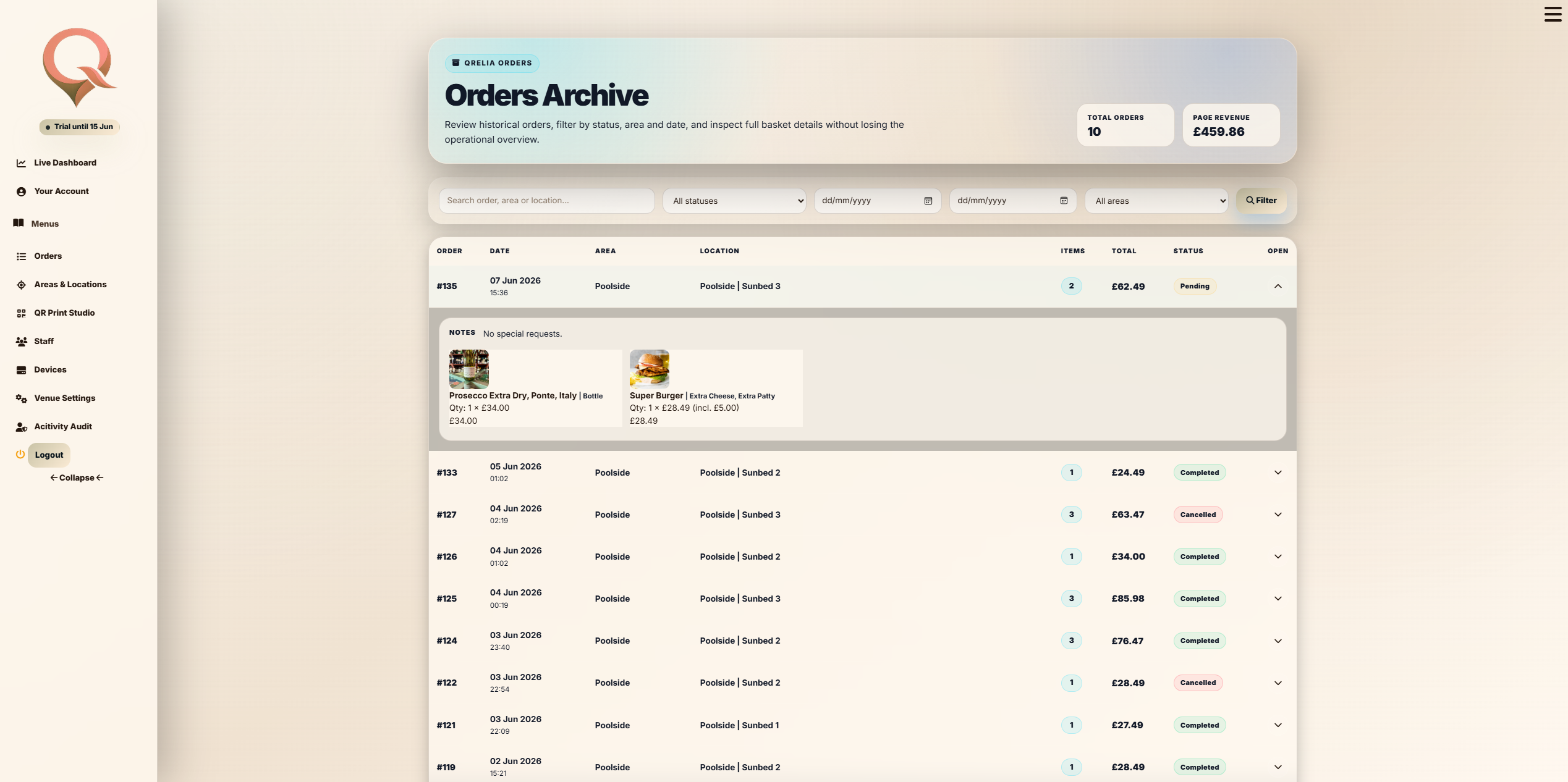
Review current and historical orders with location, timing and fulfilment context.
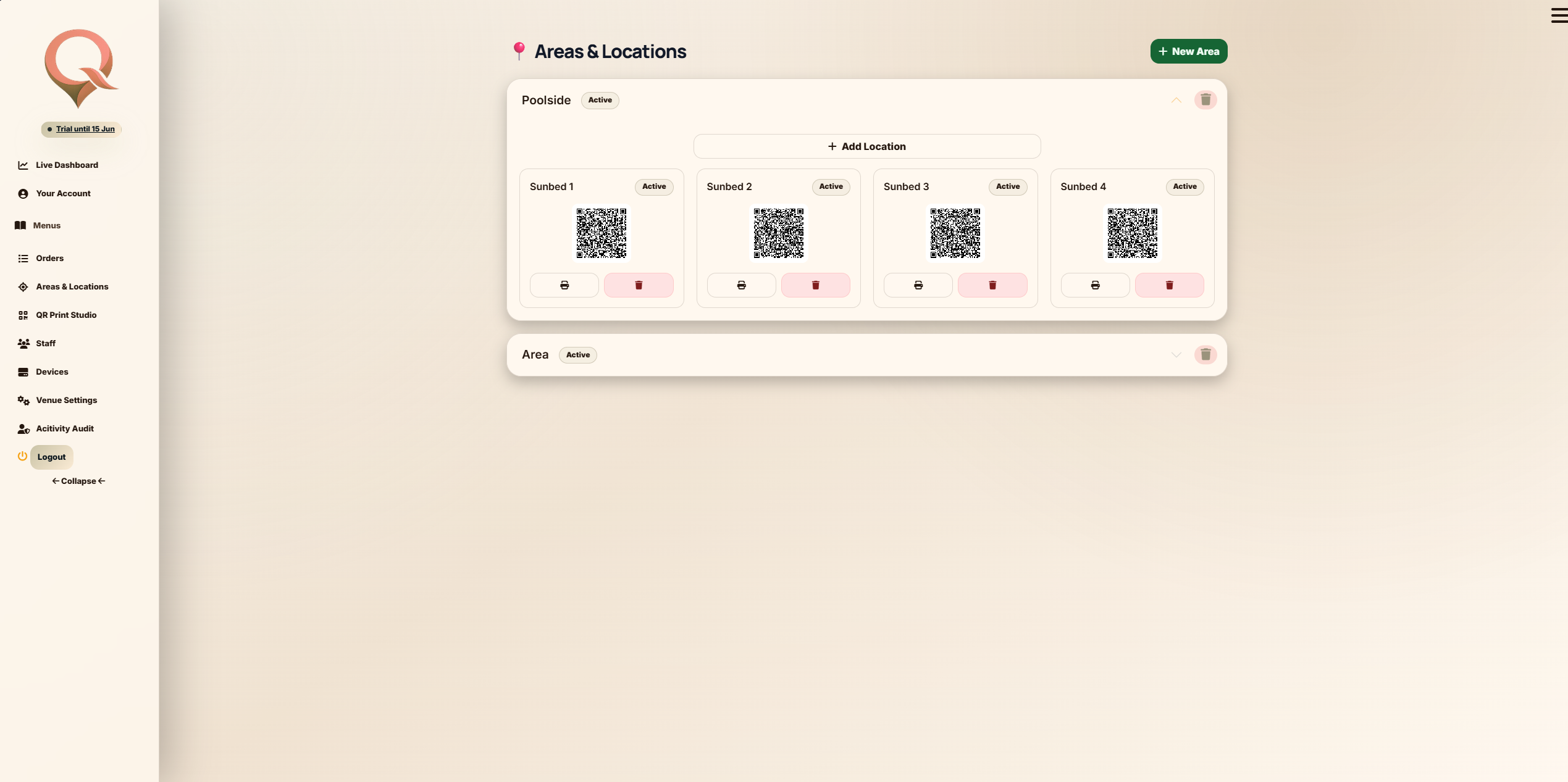
Connect each QR code to a room, table, terrace, bar, zone or custom service point.
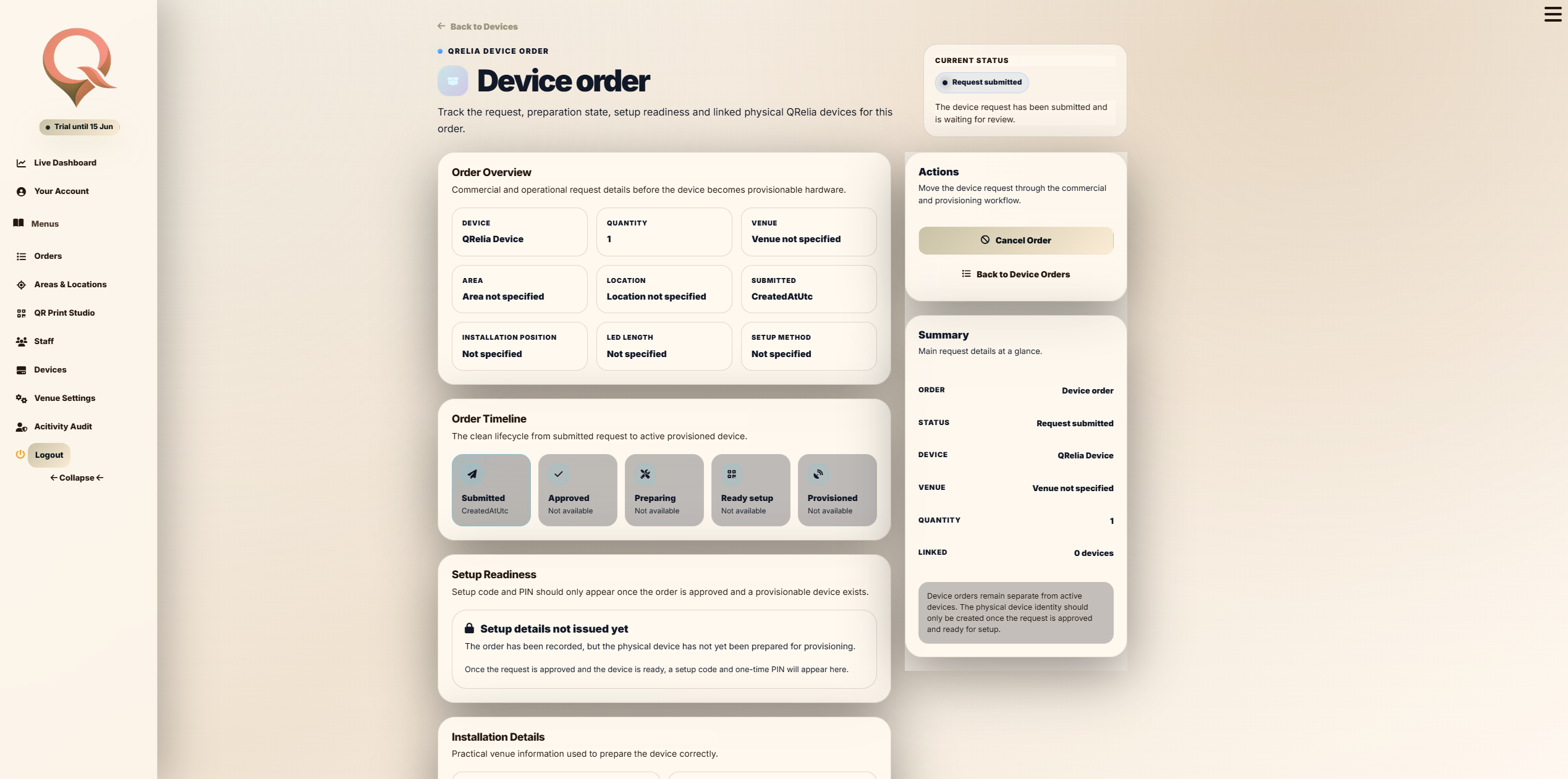
Prepare QRelia for receiver screens and connected ambient hospitality devices.
Setup and deployment
The admin area is not just reporting. It is the place where the venue configures the operational reality behind every scan.
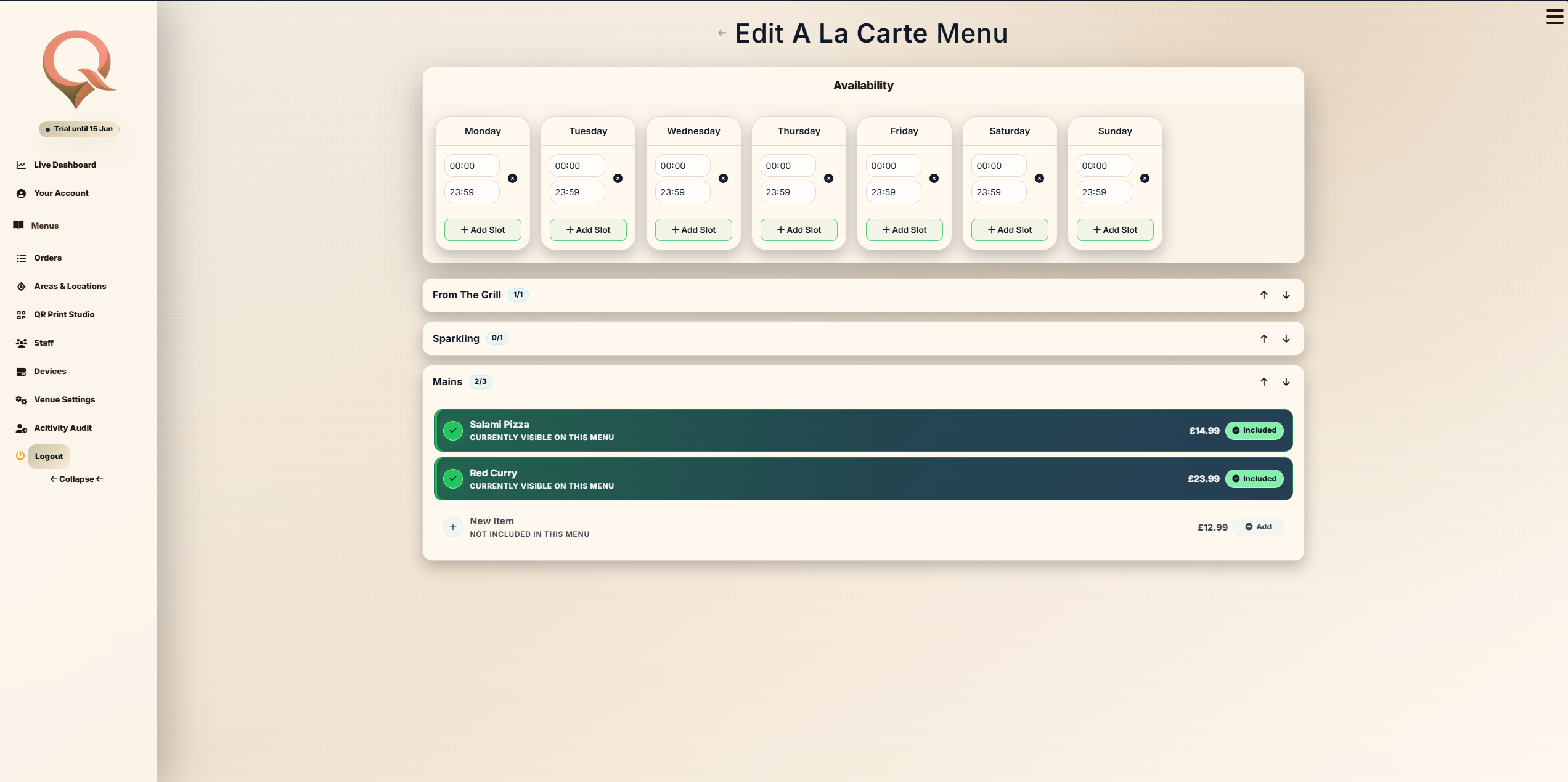
Control menu identity, presentation, availability and guest-facing structure.
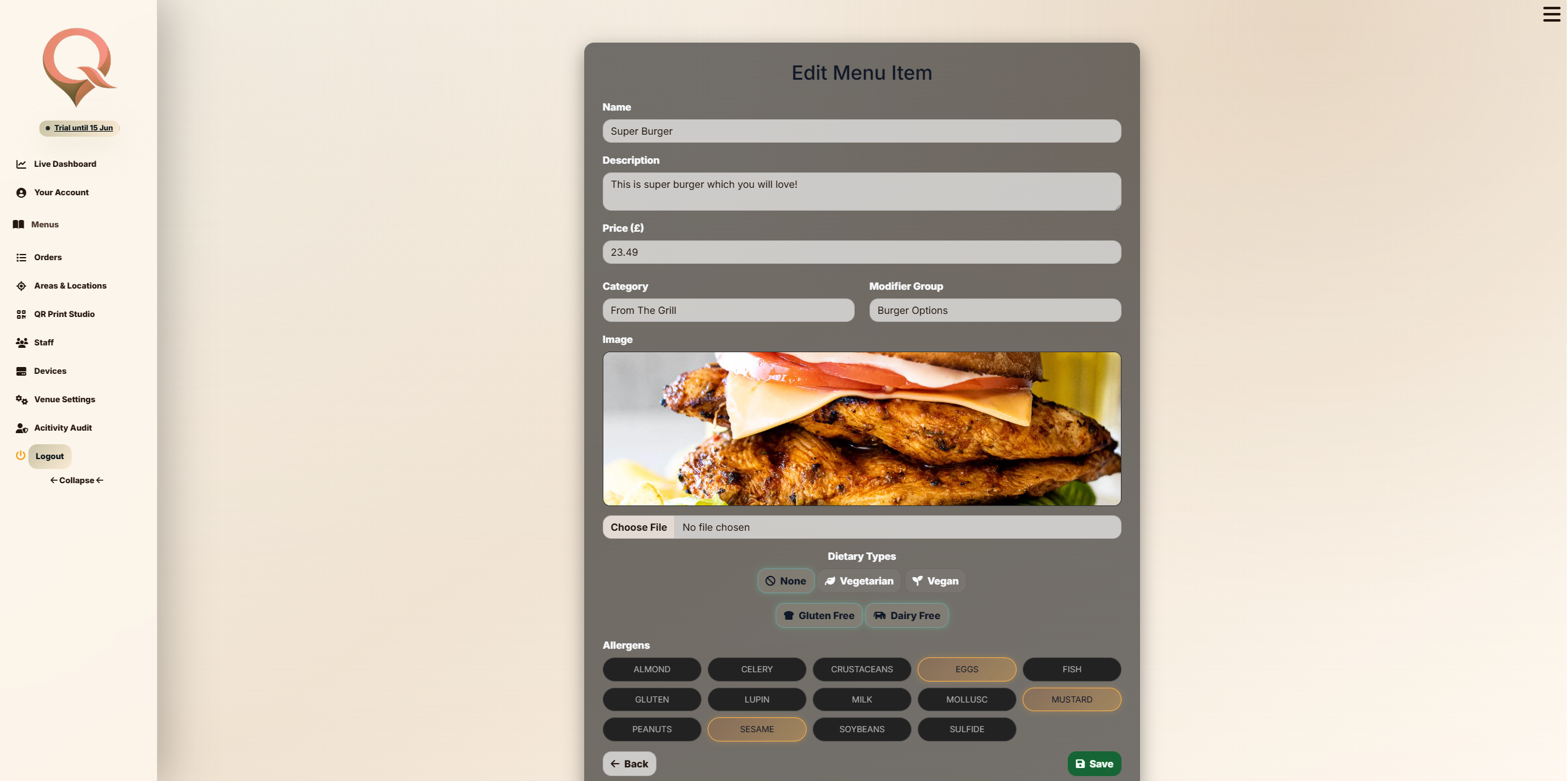
Refine item detail, imagery, prices, choices and guest-facing descriptions.
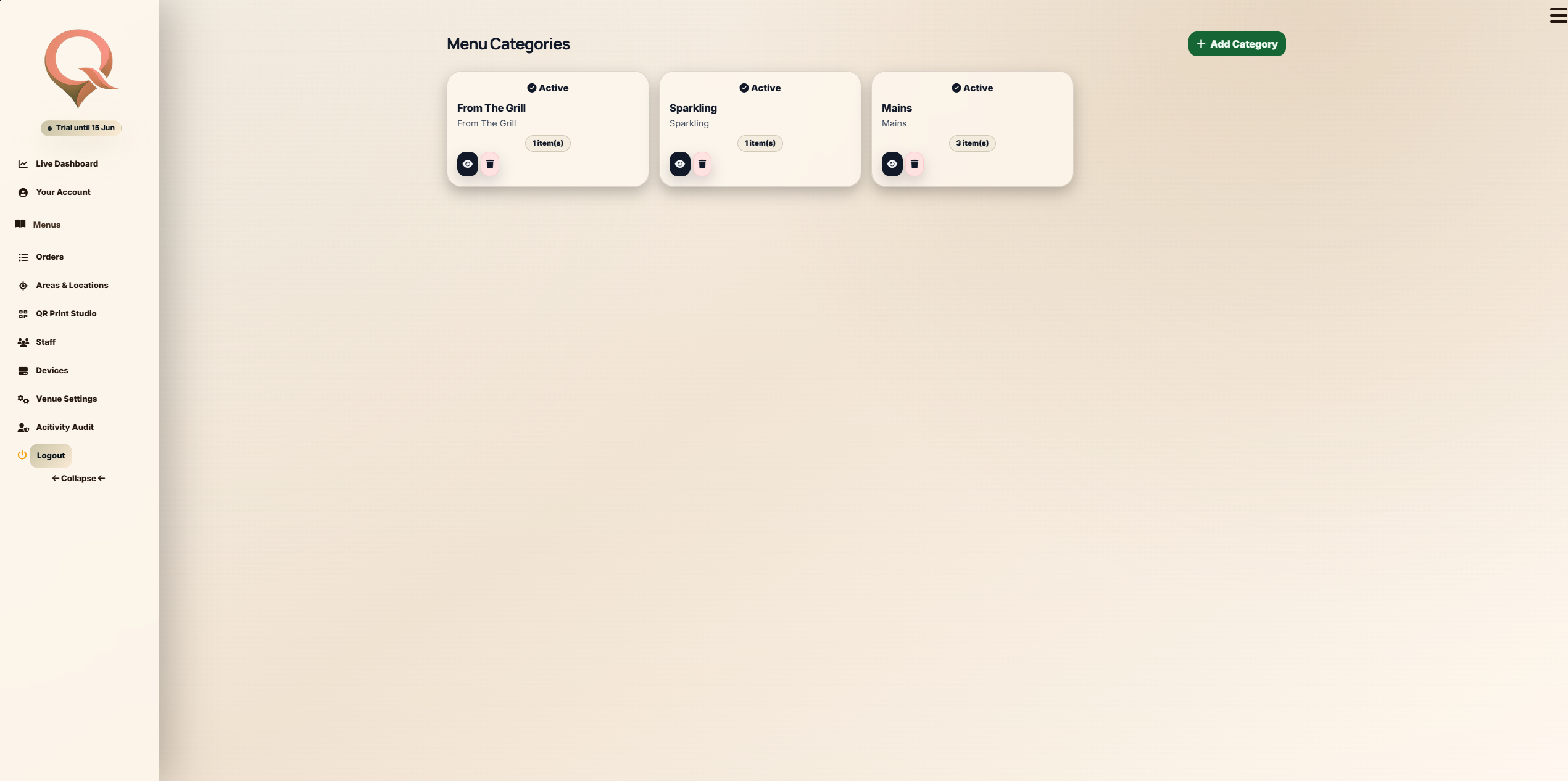
Group products into clear browsing sections for a smoother ordering journey.
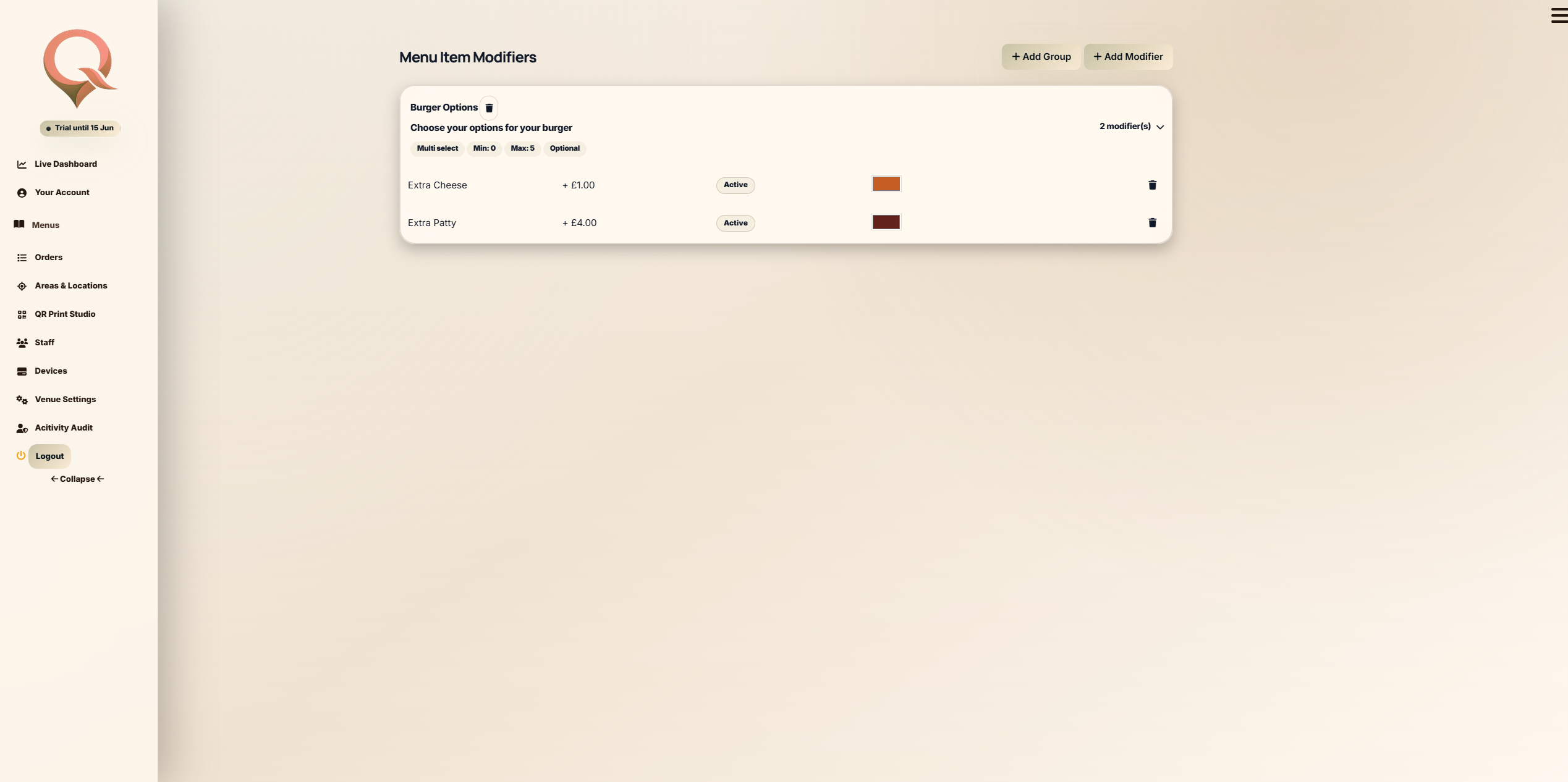
Support add-ons, selections and hospitality-specific customisation without clutter.
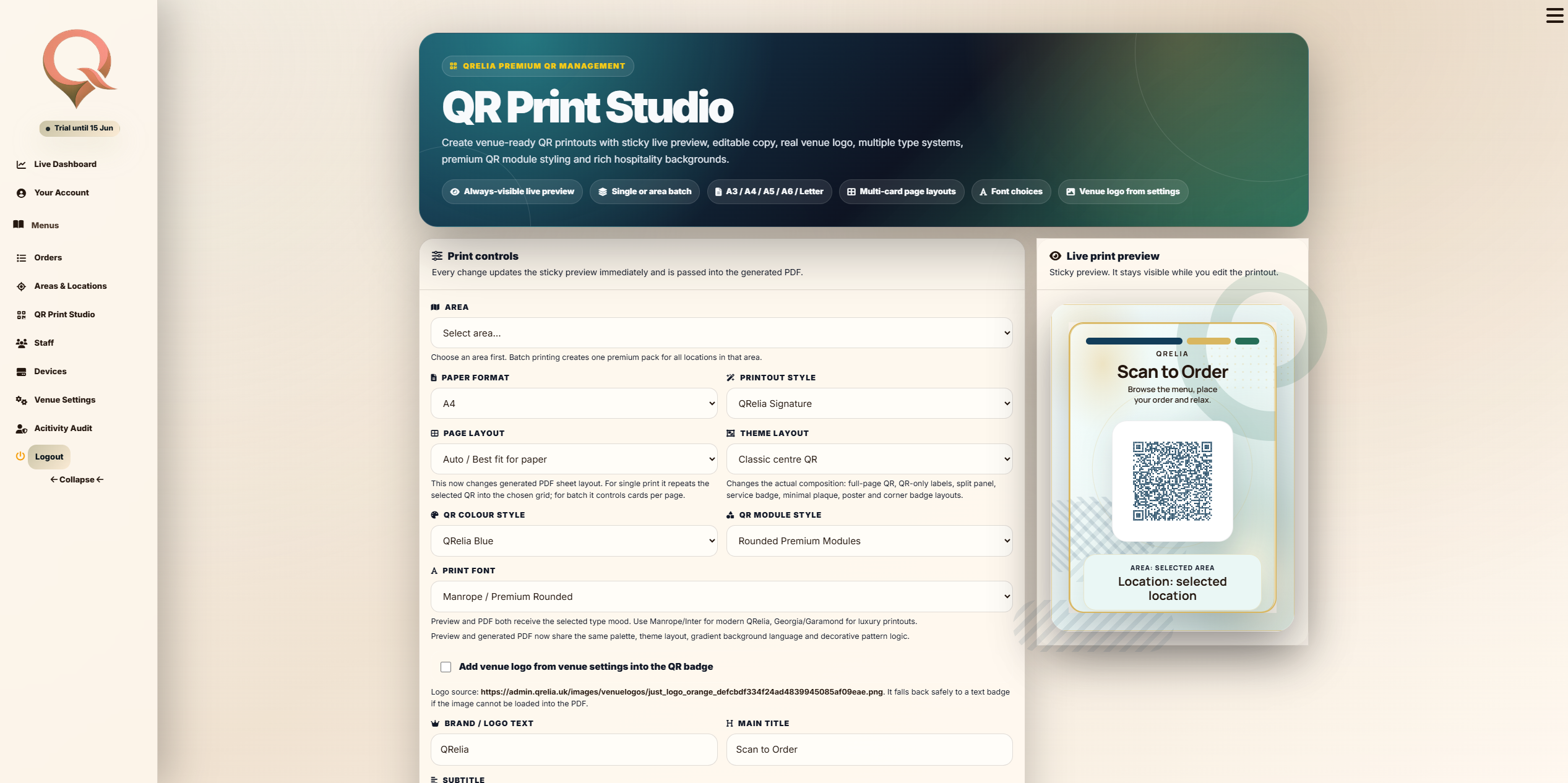
Deploy location-aware QR codes for the correct table, room, terrace or service area.
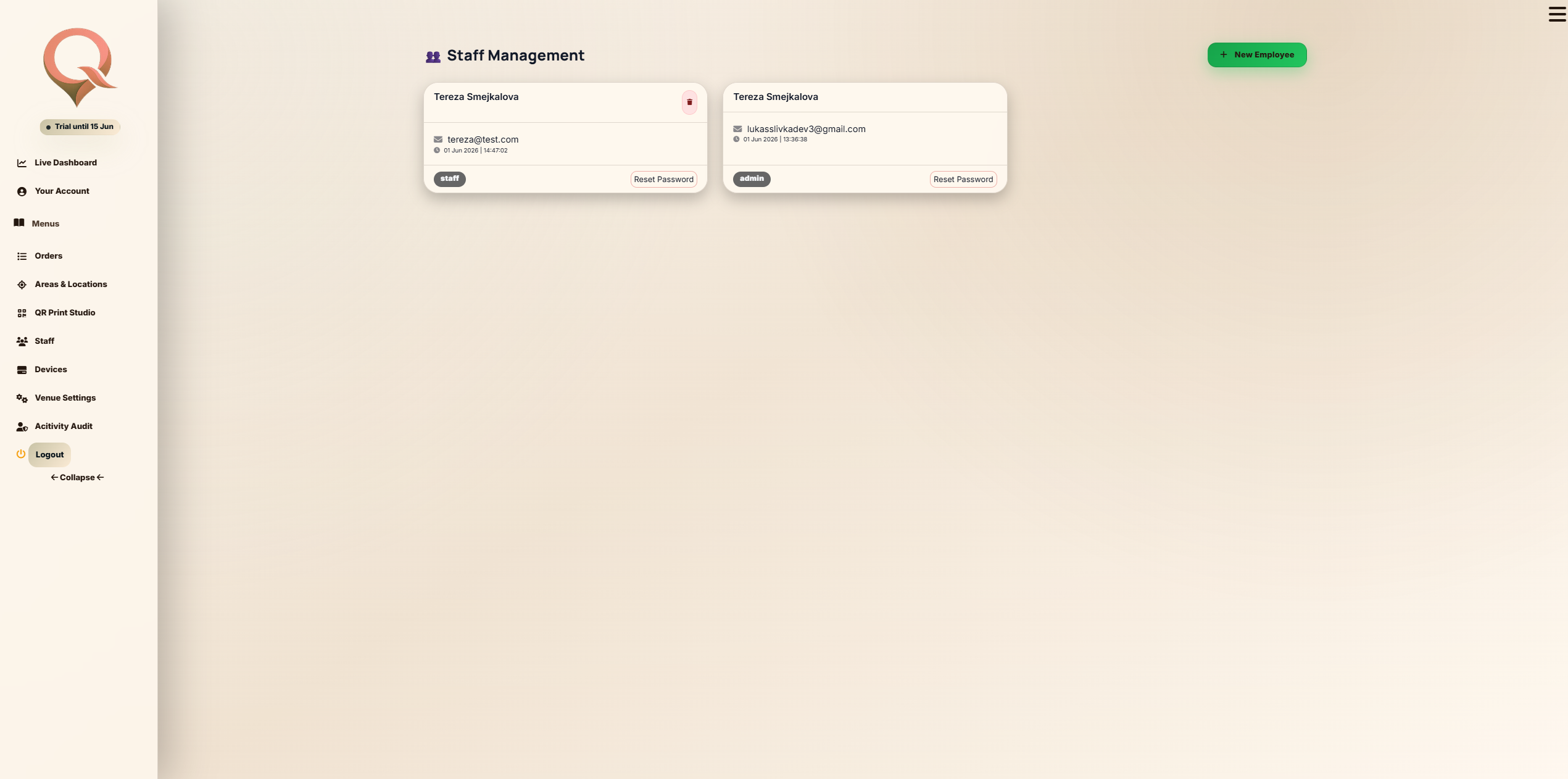
Give the right team members controlled access to the right parts of the system.
Next workspace
The admin setup feeds directly into the mobile ordering journey used by guests.